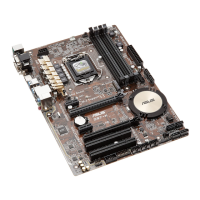
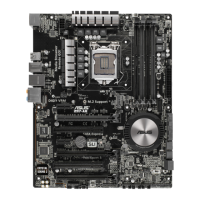
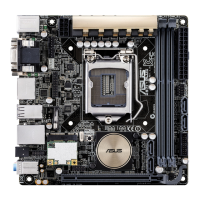
ASUS Z97M-PLUS
3-61
Chapter 3
4. When the booting message appears, press <Enter> within ve (5) seconds to enter
FreeDOS prompt.
Updating the BIOS file
To update the BIOS le:
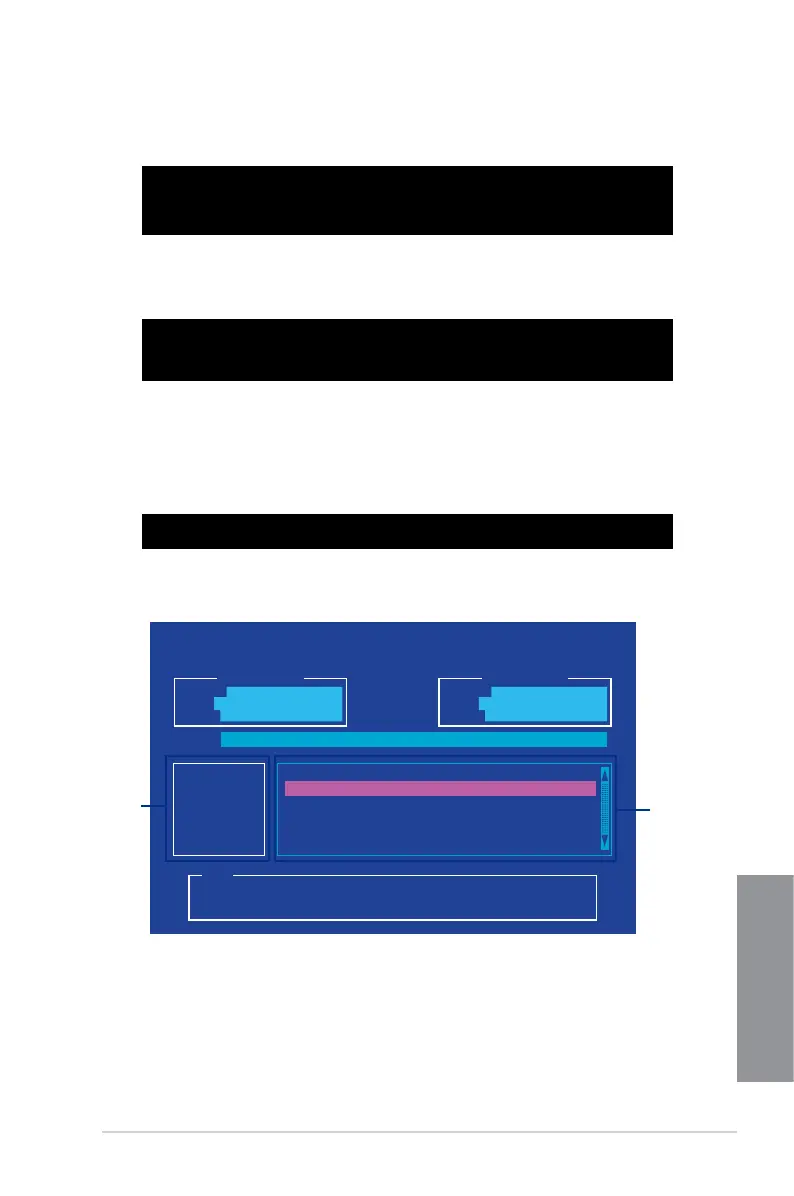
1. On the FreeDOS prompt, type bupdater /pc /g and press <Enter>.
2. On the BIOS Updater screen, press <Tab> to switch from Files panel to Drives panel
then select D:.
ASUSTeK BIOS Updater for DOS V1.30 [2014/01/01]
Current ROM
BOARD: Z97M-PLUS
VER: 0313 (H :00 B :00)
DATE: 03/18/2014
Update ROM
BOARD: Unknown
VER: Unknown
DATE: Unknown
PATH: C:\
C:
D:
FORMAN~1 <DIR>
Z97MPLUS.CAP 8390656 2014-03-18 21:14:34
Note
[Enter] Select or Load [Tab] Switch [V] Drive Info
[Up/Down/Home/End] Move [Esc] Exit
Welcome to FreeDOS (http://www.freedos.org)!
C:/> d:
D:/>
D:/> bupdater /pc /g
Files panel
Drives
panel
3. Press <Tab> to switch from Drives panel to Files panel then press <Up/Down or Home/
End> keys to select the BIOS le and press <Enter>.
5. On the FreeDOS prompt, type d: then press <Enter> to switch the disk from Drive C
(optical drive) to Drive D (USB ash drive).
ISOLINUX 3.20 2006-08-26 Copyright (C) 1994-2005 H. Peter Anvin
A Bootable DVD/CD is detected. Press ENTER to boot from the DVD/CD.
If no key is pressed within 5 seconds, the system will boot next priority
device automatically. boot:


 To Next Page