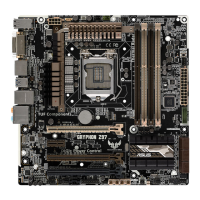
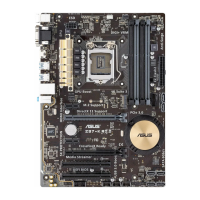
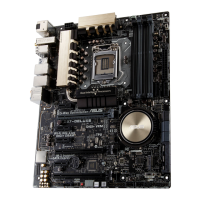
ASUS Z97M-PLUS
4-1
Chapter 4
Software support
4
Chapter 4: Software support
4.1 Installing an operating system
• Thismotherboardsupports32-bit/64-bitWindows
®
7,32-bit/64-bitWindows
®
8,and
32-bit/64-bitWindows
®
8.1operatingsystems(OS).
• Motherboardsettingsandhardwareoptionsvary.Thesetupprocedurespresented
inthischapterareforreferenceonly.RefertoWindows
®
operatingsystem
documentationfordetailedinformation.
4.2 Support DVD information
ThecontentsofthesupportDVDaresubjecttochangeatanytimewithoutnotice.Visitthe
ASUSwebsiteatwww.asus.comforupdates.
4.2.1 Running the support DVD
EnsurethatyouhaveanAdministratoraccountbeforerunningthesupportDVDin
Windows
®
7,Windows
®
8,orWindows
®
8.1operatingsystems.
TorunthesupportDVD:
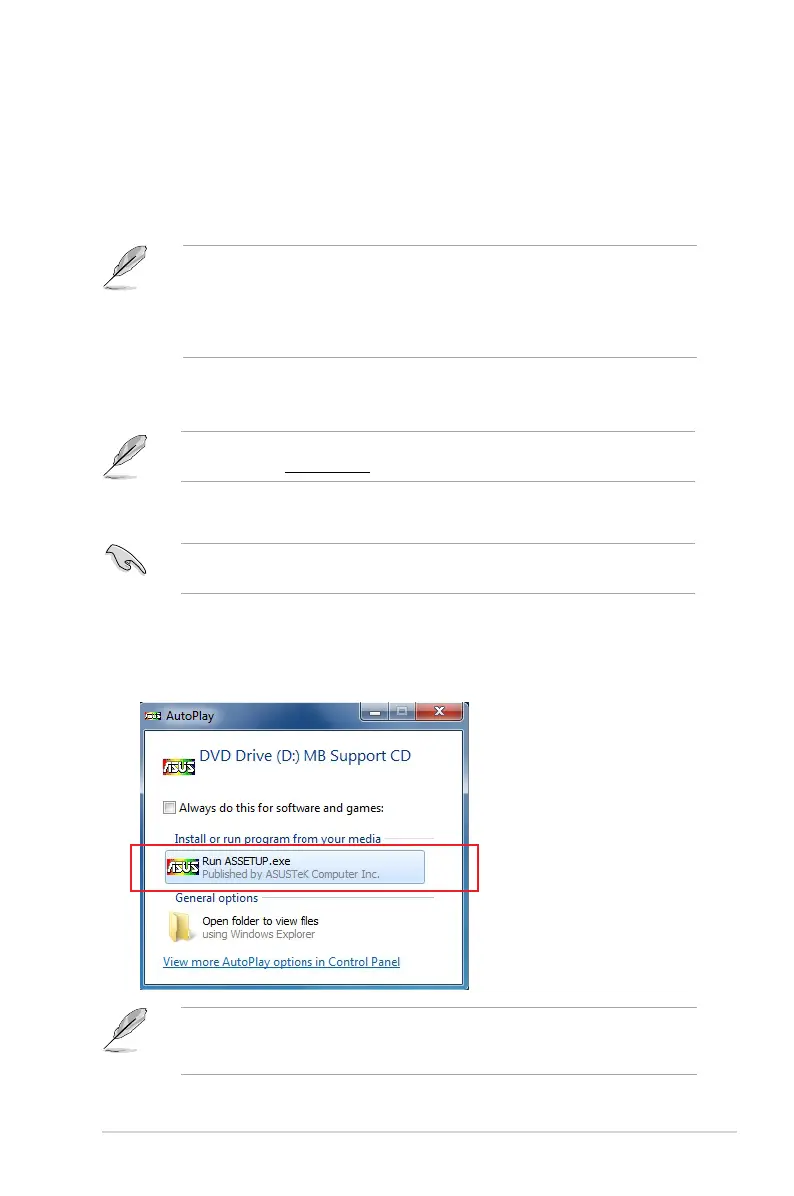
1. PlacetheSupportDVDintotheopticaldrive.
2. IntheAutoPlaydialogbox,clickortapRun ASSETUP.EXE.
IftheAutoPlaydialogboxdoesnotappear,browsethecontentsofthesupportDVDand
double-clickortap\\bin\ASSETUP.EXEtolaunchtheASUS motherboard support DVD
mainmenu.


 To Next Page