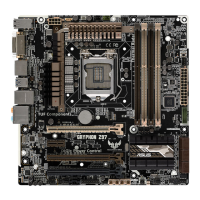
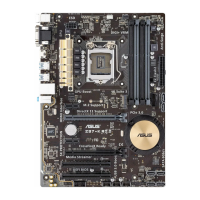
ASUS Z97M-PLUS
3-37
Chapter 3
NB PCI-E Configuration
This item allows you to congure the NB PCI Express settings.
PCIEx16_1 Link Speed [Auto]
This item allows you to congure the PCIEx16 speed for slot 1. Conguration options:
[Auto] [Gen1] [Gen2] [Gen3]
Memory Configuration
This item allows you to congure the memory conguration parameters.
Memory Scrambler [Enabled]
Set this item to [Enabled] to support high frequency DRAMs for a better stability.
Conguration options: [Enabled] [Disabled]
Memory Remap [Enabled]
Set this item to [Enabled] to support DRAM address remapping for 64-bit operating
systems. Conguration options: [Enabled] [Disabled]
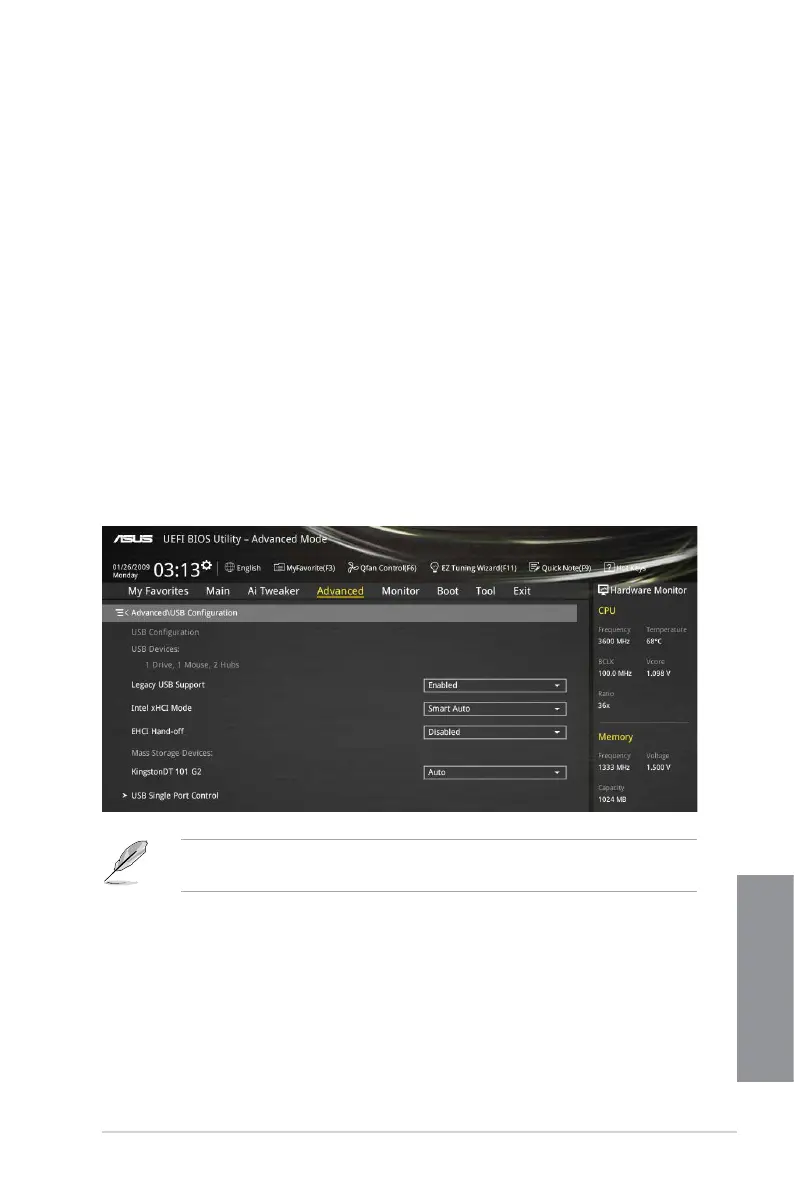
3.6.5 USB Configuration
The items in this menu allow you to change the USB-related features.
The Mass Storage Devices item shows the auto-detected values. If no USB device is
detected, the item shows None.
Legacy USB Support [Enabled]
[Enabled] Your system supports the USB devices in legacy operating systems.
[Disabled] Your USB devices can be used for BIOS setup only and cannot be
recognized in the boot devices list.
[Auto] Your system automatically detects the presence of USB devices at startup.
If any USB devices are detected, the legacy USB support is enabled.


 To Next Page