3-38
Chapter 3: BIOS setup
Chapter 3
Intel xHCI Mode [Smart Auto]
[Auto] The xHCI is automatically enabled and runs at USB 3.0 mode when the
xHCI driver is installed in the operating system.
[Smart Auto] Upon detection, the xHCI driver supports the USB 3.0 mode during both
POST and operating system.
[Enabled] Enables the xHCI controller.
[Disabled] Disables the xHCI controller.
EHCI Hand-off [Disabled]
[Enabled] Enables the support for operating systems without an EHCI hand-off
feature.
[Disabled] Disables the EHCI Hand-off support.
Mass Storage Devices [Auto]
This item allows your system to detect the devices according to their media formats.
Conguration options: [Auto] [Floppy] [Forced FDD] [Hard Disk] [CD-ROM]
USB Single Port Control
Allows you to enable or disable the individual USB port.
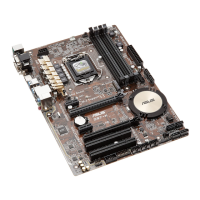
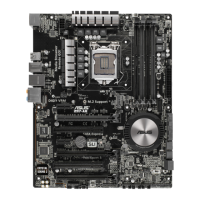
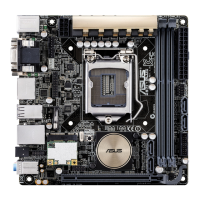
Refer to section 1.2.2 Motherboard layout for the location of the USB ports.
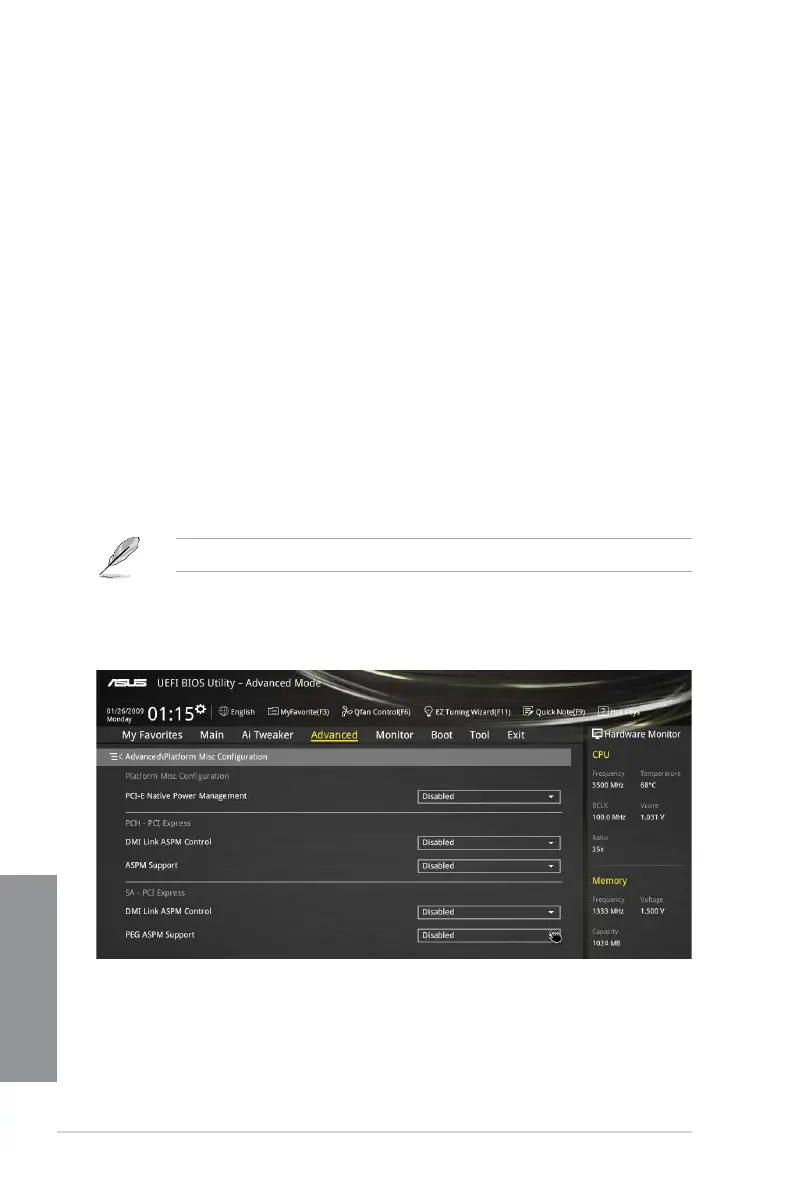
3.6.6 Platform Misc Configuration
The items in this menu allow you to congure the platform-related features.
PCI-E Native Power Management [Disabled]
This item allows you to enhance the power saving feature of PCI Express and perform ASPM
operations in the operating system. Conguration options: [Disabled] [Enabled]


 To Next Page