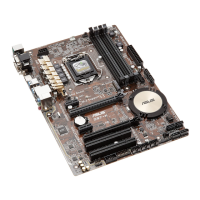
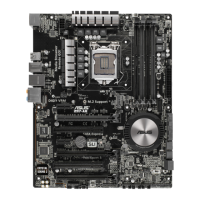
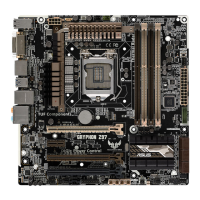
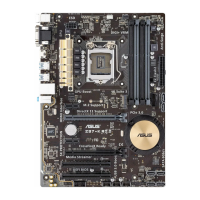
ASUS Z97M-PLUS
3-21
Chapter 3
Skew Control
Changing subitems in this menu may enhance the DRAM overclocking capability and
stability.
Transmitter Rising Slope [Auto]
Conguration options: [Auto] [0] – [31]
Transmitter Falling Slope [Auto]
Conguration options: [Auto] [0] – [31]
Transmitter Control Time [Auto]
Conguration options: [Auto] [0] – [31]
Receiver Rising Slope [Auto]
Conguration options: [Auto] [0] – [31]
Receiver Falling Slope [Auto]
Conguration options: [Auto] [0] – [31]
Receiver Control Time [Auto]
Conguration options: [Auto] [0] – [31]
DIGI+ VRM
CPU Load-line Calibration [Auto]
Load-line is dened by Intel
®
specication and affects CPU power voltage. The CPU
working voltage decreases proportionally to CPU loading. Higher load-line calibration
could get higher voltage and good overclocking performance, but increases the CPU
and VRM thermal conditions. Conguration options: [Auto] [Regular] [Medium] [High]
[Ultra High] [Extreme]
The actual performance boost may vary depending on your CPU specication.
DO NOT remove the thermal module. The thermal conditions should be monitored.
CPU VRM Switching Frequency [Auto]
This item affects the VRM transient response speed and the component thermal
production. Select [Manual] to congure a higher frequency for a quicker transient
response speed. Conguration options: [Auto] [Manual]
DO NOT remove the thermal module. The thermal conditions should be monitored.
The following item appears only when you set the CPU VRM Switching Frequency to
[Manual].
Fixed CPU VRM Switching Frequency (KHz) [250]
This item allows you to set a higher frequency for a quicker transient
response speed. Use the <+> or <-> to adjust the value. The values range
from 200 KHz to 350 KHz with an interval of 50 KHz.


 To Next Page