A68(W) IP Phone User Manual
ATCOM TECHNOLOGY CO., LIMITED www.atcom.cn37
To display the account ID, press the soft key “Switch” or 、 to
modify, the optional value is Account 1 to 6.
Reminding:This code must be set for pickup, and this code can be set via Web only.
Set the Pickup code as follow:
Set the pickup code for one single Account: Account→Advanced→Select an account to be
configured→Directed Call Pickup Code.
Set the pickup code for all Accounts:Phone→Features→Call Pickup→Direct Call Pickup、
Direct Call Pickup Code(Direct Call Pickup should be set as Enable).
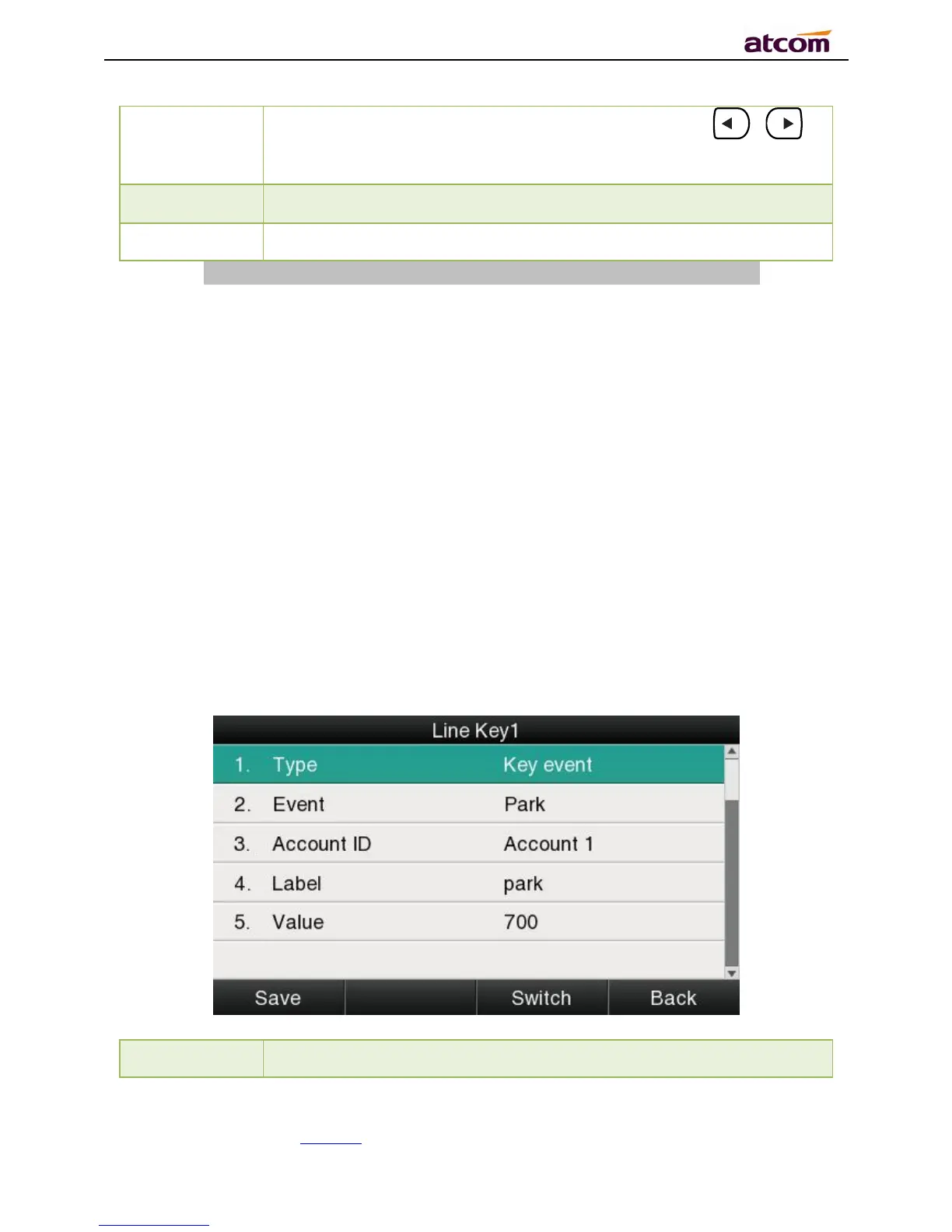
Call Park
Press this key while on calling, the phone will dial the specified phone number, user will
receive a code on the phone prompt, and then press the soft key “Transfer”,the current calling
will be parked successfully. At this moment, user is able to continue the parked calling with
any other phones which registered on the same SIP server by dialing the code which user
have received.



 To Next Page