A68(W) IP Phone User Manual
ATCOM TECHNOLOGY CO., LIMITED www.atcom.cn38
To specify an account to park the call, press the soft key “Switch” or
、 to modify, the optional value is Account 1 to 6.
identify this key on LED, for example as
The code for pickup the parked
and it is provided by SIP server.
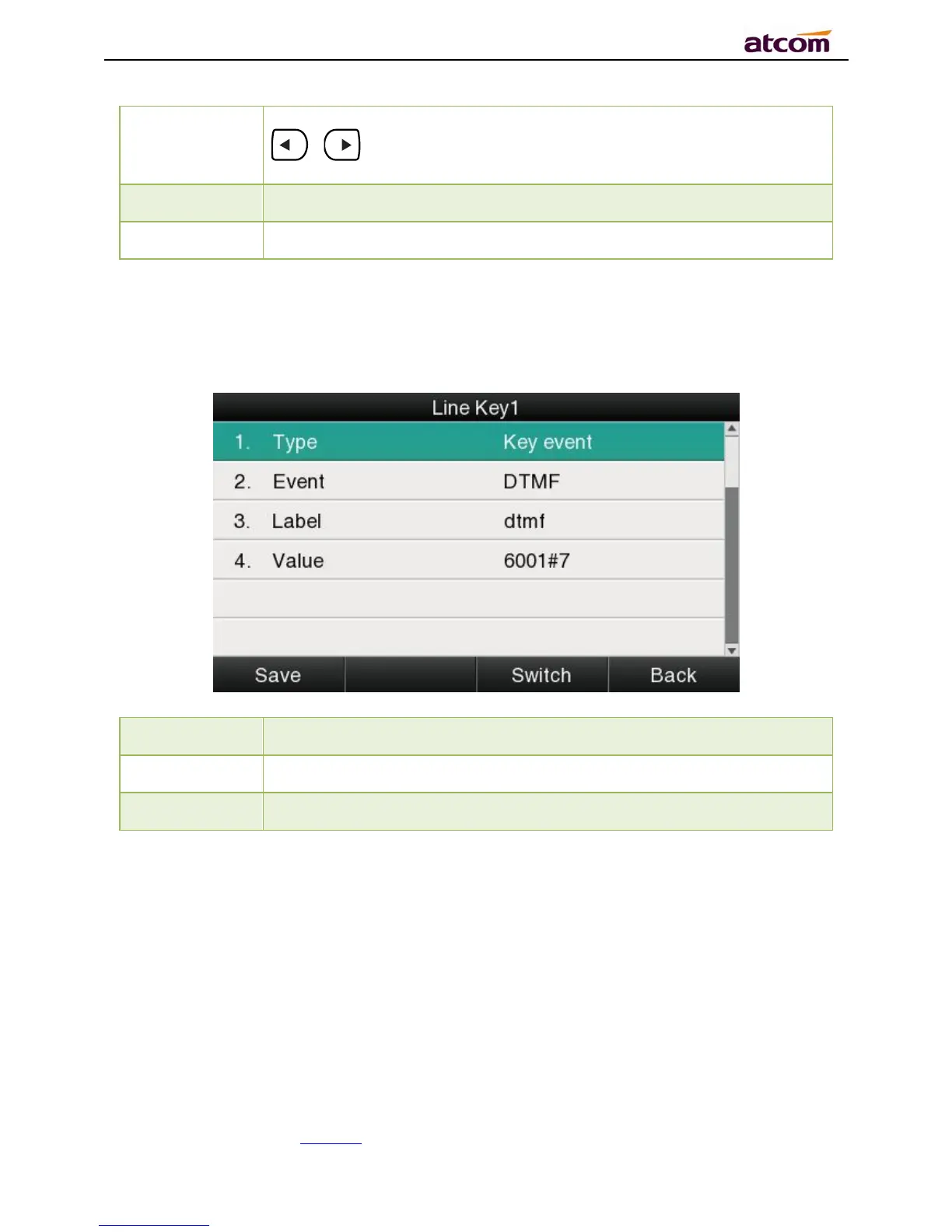
DTMF
Press this key while on calling, the phone will send the configured “Value” automatically.
identify this key on LED, for example
The value sent to remote end while on calling.
Directory
Press this key to access Directory.
The configuration item Label is a name to identify the key on LED, can be set as “phonebook”.
Speed Dial



 To Next Page