A68(W) IP Phone User Manual
ATCOM TECHNOLOGY CO., LIMITED www.atcom.cn39
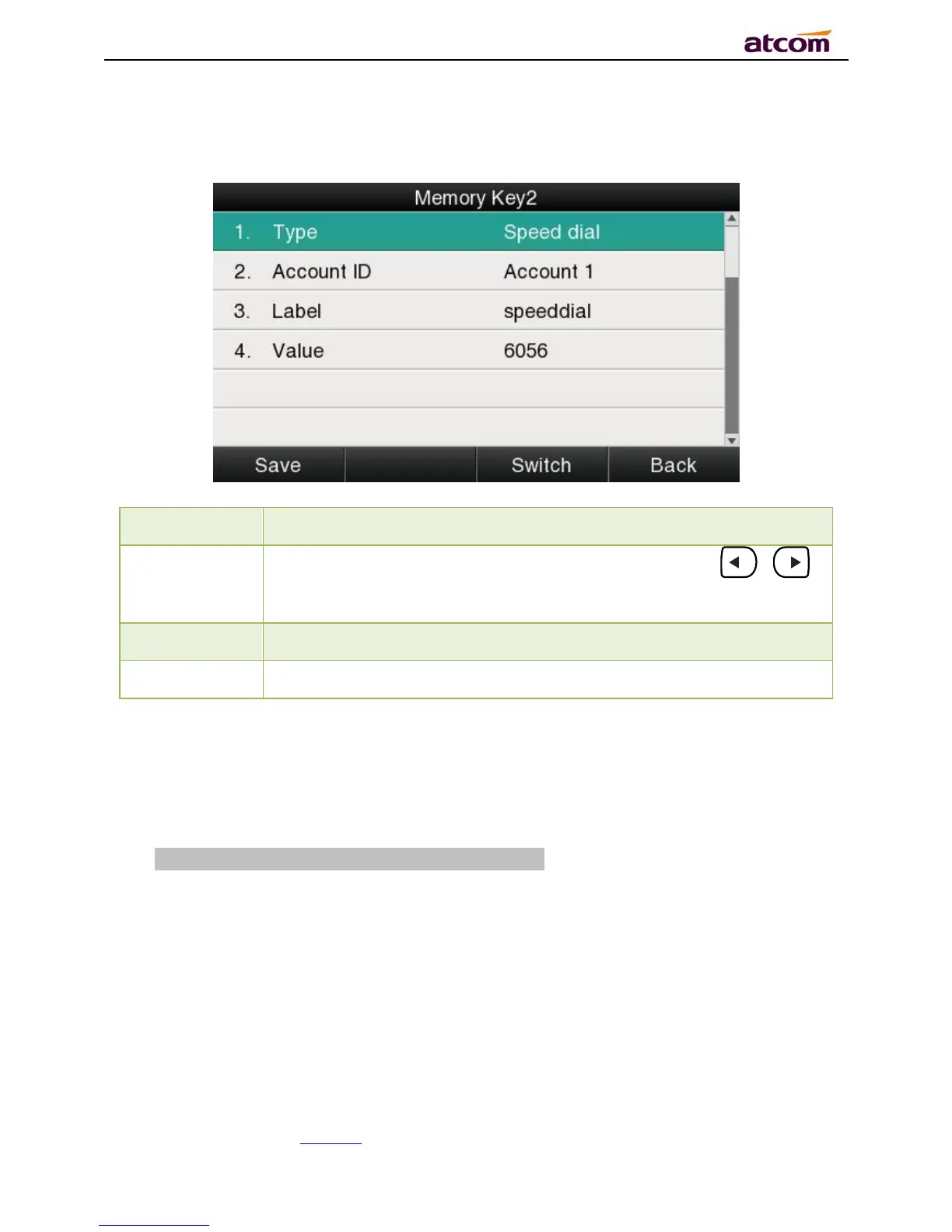
Press this key while standby state, the specified target phone number will be dial fromthe
specified account.
To display the account ID, press the soft key “Switch” or 、
to modify, the optional value is Account 1 to 6.
To identify this key on LED, for example
The target phone number for speed dial
Intercom
Press this key when the phone is idle, the phone will dial the specified “Value”, and theremote
end will answer the callautomatically.
Note: This feature is supported by specified servers only.



 To Next Page