IPPBX IP2G4A User Manual
~ 10 ~ ATCOM TECHNOLOGY CO., LIMITED
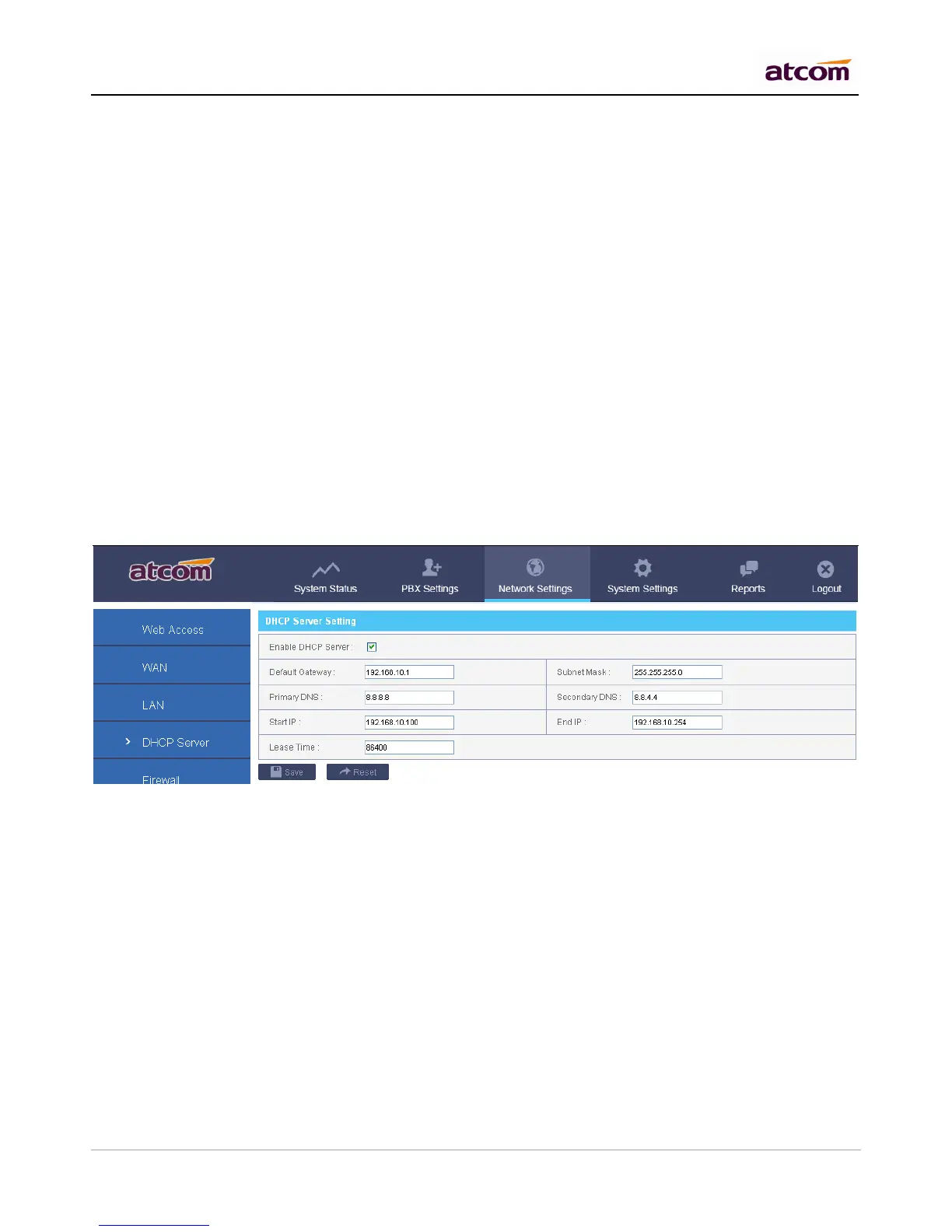
Check to enable DHCP server.
Default Gateway
Gateway information that will be used in DHCP client.
Subnet Mask
Subnet Mask that will be used in DHCP client.
Primary DNS / Secondary DNS
DNS information that will be used in DHCP client.
Start IP / End IP
IP address pool, IP in which will be assigned to DHCP client.
Lease Time
The amount of time the address is leased for DHCP client, When the lease is up, it either renews or gets a new
address.
NOTE: All the network settings will take effect immediately when you save the change.
2.5 System Status
1) General
Product Model
Show the model of this IPPBX
Firmware Version
Show the firmware version
System Uptime
Show the time how long the system has been running
System Current Time
Show the current time
2) Network



 To Next Page