IPPBX IP2G4A User Manual
~ 71 ~ ATCOM TECHNOLOGY CO., LIMITED
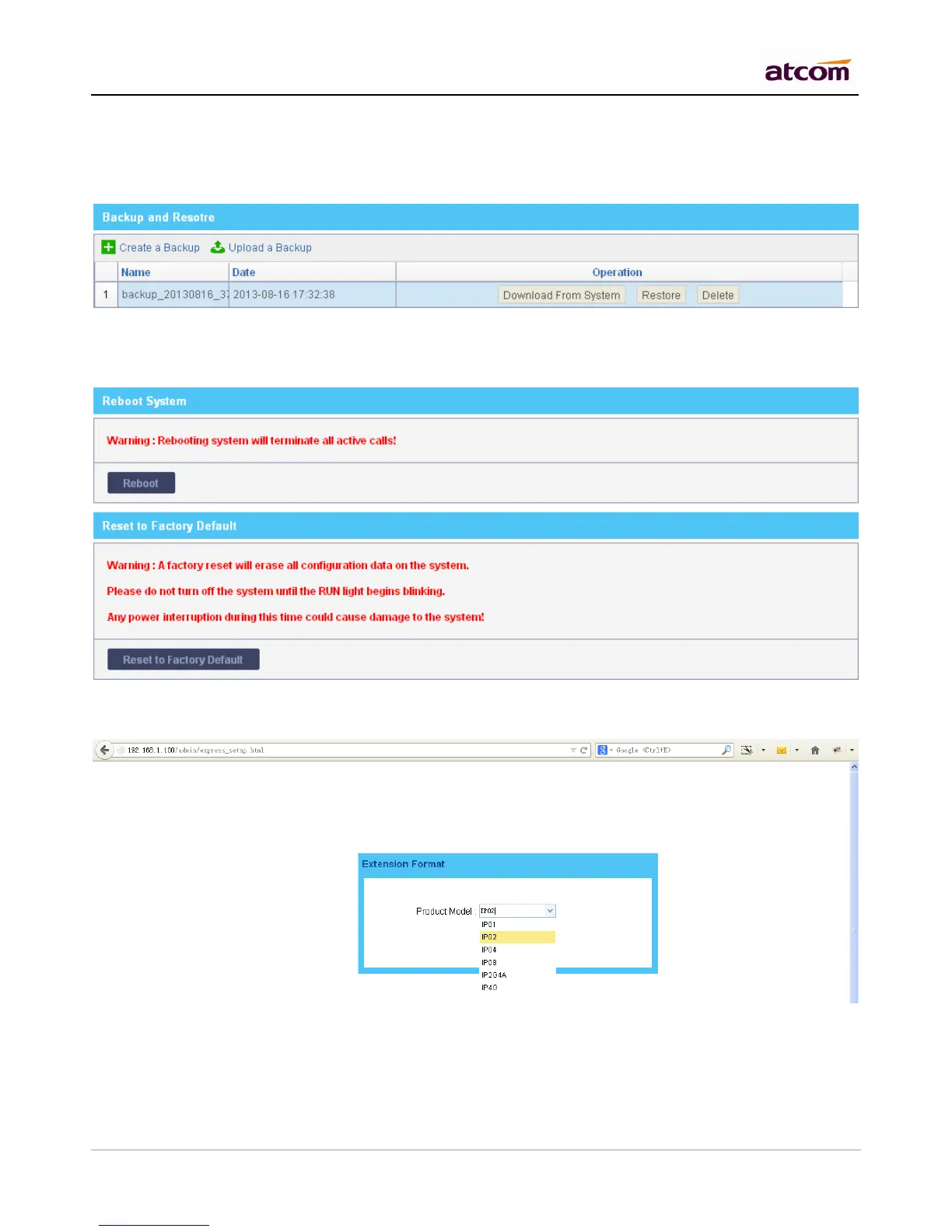
2) Restore
Click Restore to restore corresponding backup, backup file can be uploaded from local PC. Backup will be used
after IPPBX reboot. It can’t be used for different product models.
11.7 Reboot && Reset
Reboot or Reset IPPBX.
You need to choose the product model and extension length/prefix the first time to login IPPBX after it is
reset to factory default settings.



 To Next Page