IPPBX IP2G4A User Manual
~ 59 ~ ATCOM TECHNOLOGY CO., LIMITED
10.2 Firewall
Firewall is used to prevent unauthorized connections.
1) Enable Firewall
Check it to enable firewall.
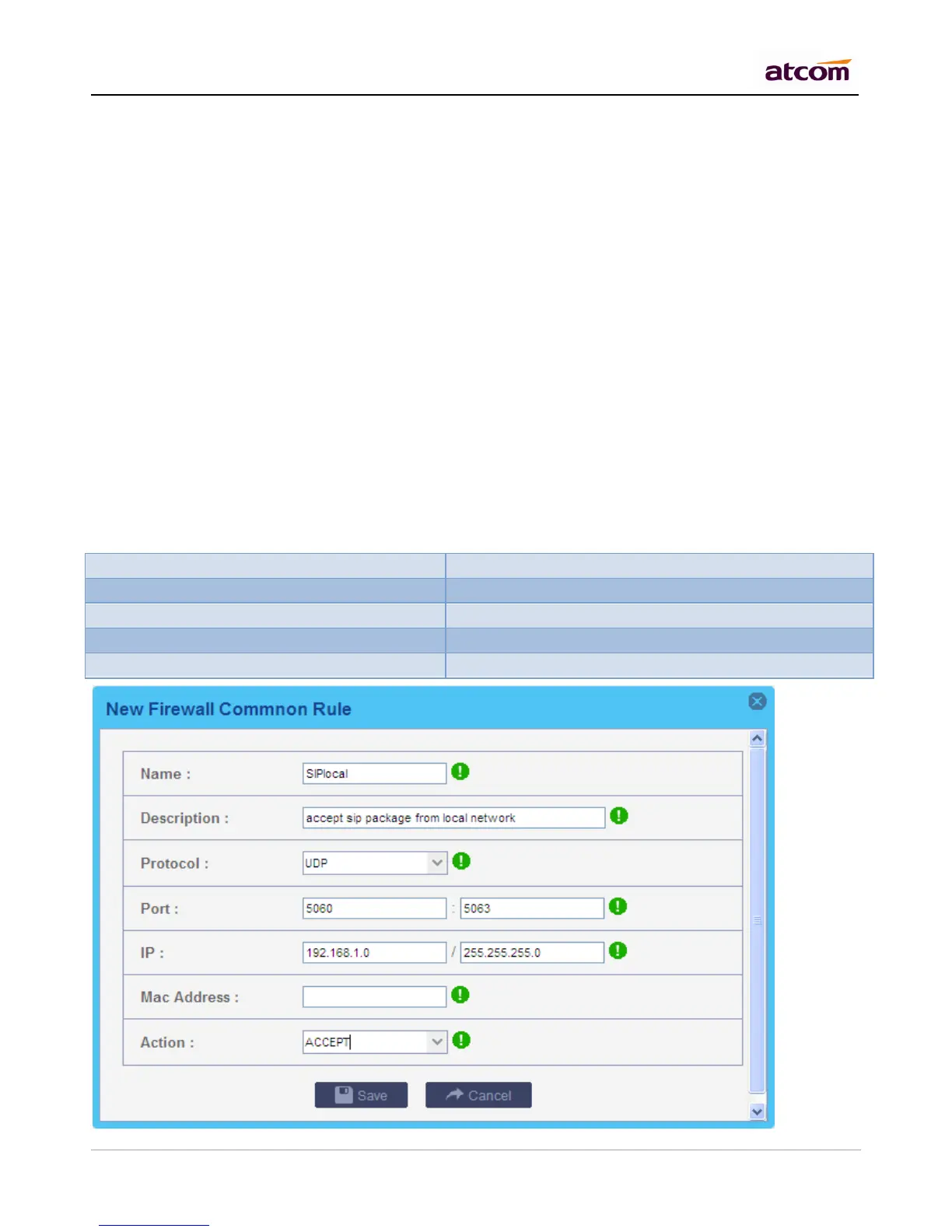
2) Common Rule
Accept/Drop the connections from remote hosts.
Name
A name for the rule.
Description
Simple description for the rule.
Protocol
Set the protocol type for connection.
Port
Set the destination port range for connection. The main protocols and default ports IPPBX uses for each
application are list below:



 To Next Page