IPPBX IP2G4A User Manual
~ 55 ~ ATCOM TECHNOLOGY CO., LIMITED
dahdi
Asterisk cmd DAHDILookup configuration.
NOTE: You must prefix custom_ to your custom file and context to avoid conflict with the system
file,users.conf,extensions.conf and chan_dahdi.conf.
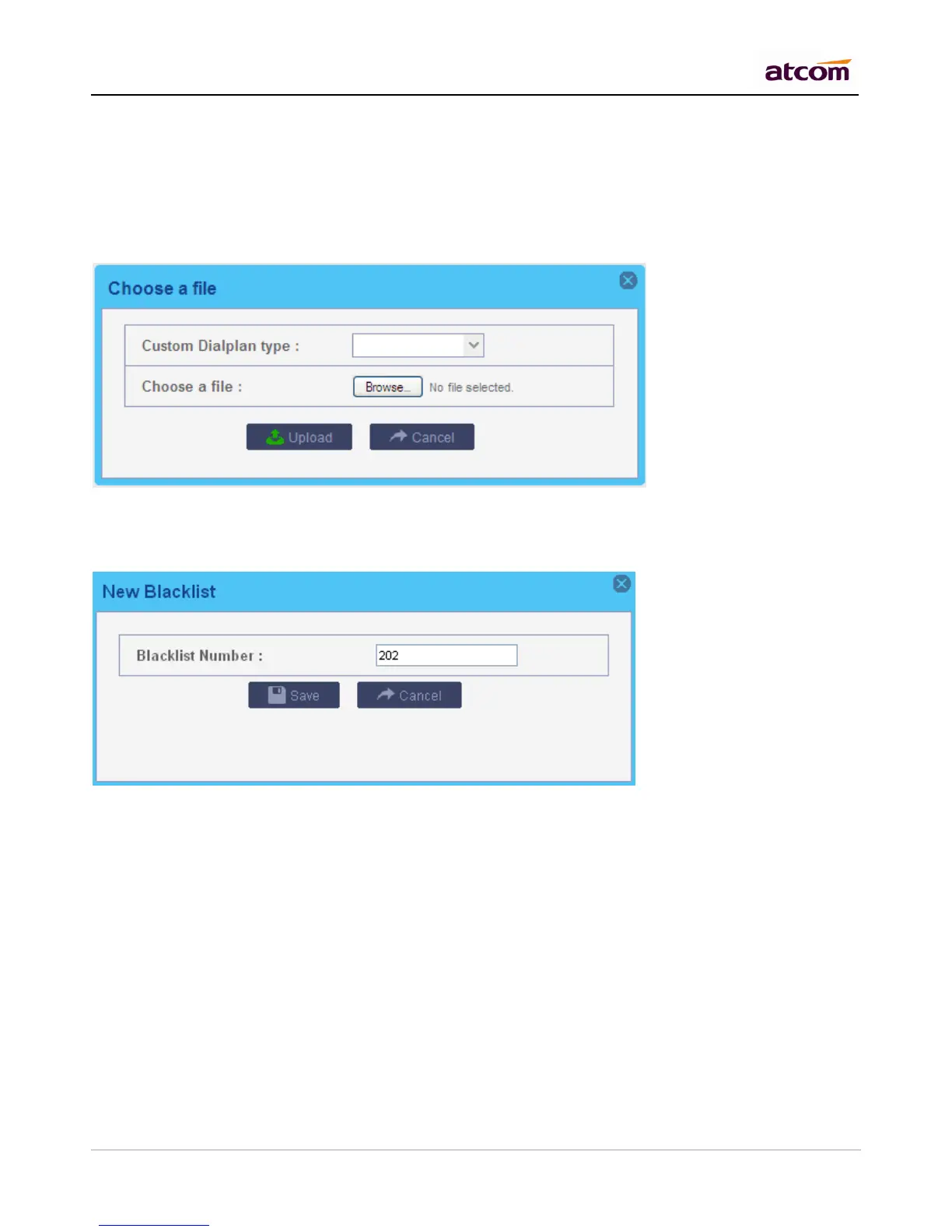
8.9 Blacklist
Block incoming calls from specified numbers
If a number in blacklist dial into IPPBX, caller will hear following prompt: “Then number you have dialed is not in
service. Please check the number and try again.” Then system will then disconnect the call.
8.10 SIP Settings
1) General
UDP Port
Set the SIP port (UDP) which IPPBX is listening to.
Enable TCP
Enable TCP protocol for SIP.
TCP Port
Set the SIP port (TCP) which IPPBX is listening to.
Registration / Subscription Time Max
Maximum duration in seconds of a SIP registration / subscription.



 To Next Page