IPPBX IP2G4A User Manual
~ 18 ~ ATCOM TECHNOLOGY CO., LIMITED
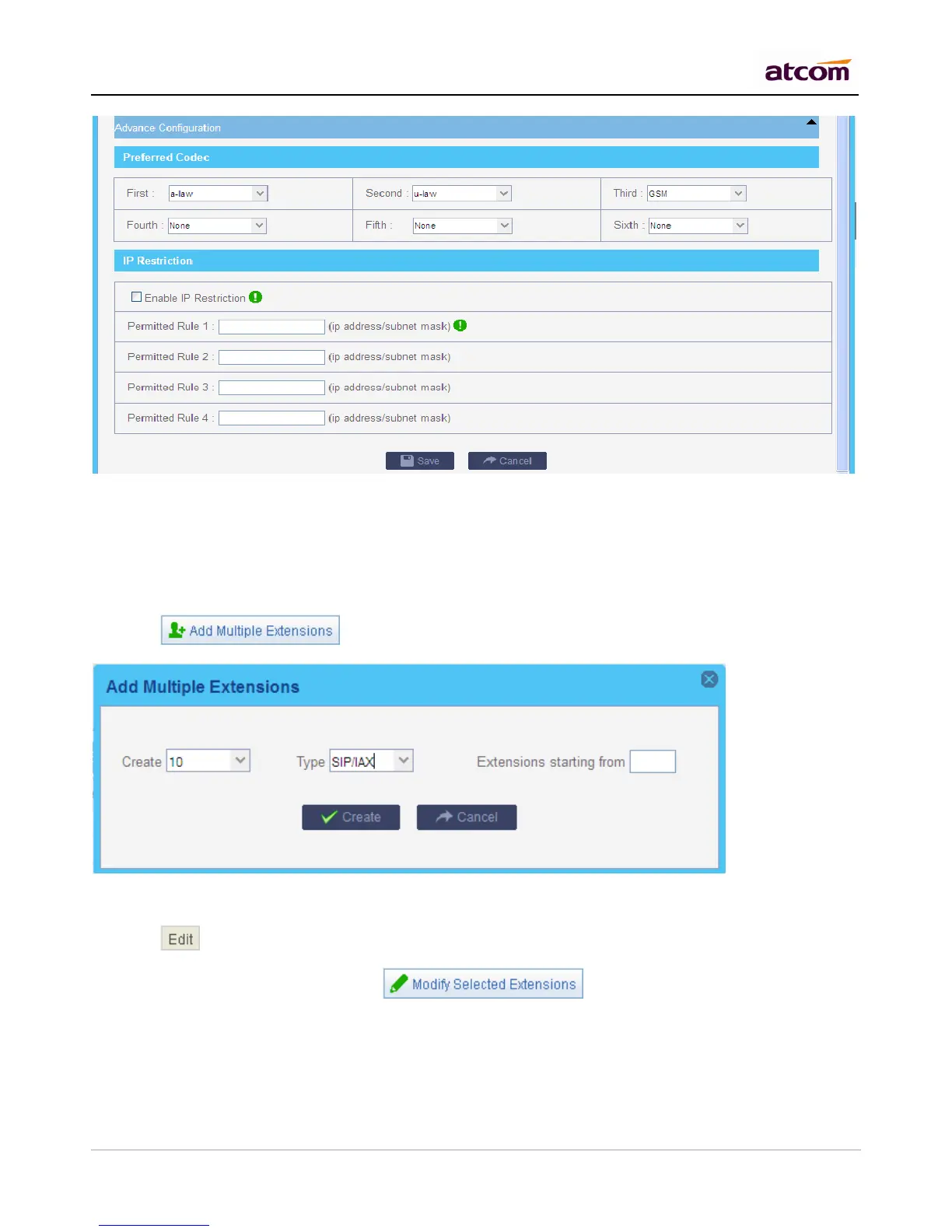
IP Restriction
Enable it to permit trusted IP/network register to this extension number. This is an useful way to improve the
security of IPPBX.
Set trusted IP: xx.xx.xx.xx/255.255.255.255, for example: 192.168.1.160/255.255.255.255
Set trusted network: xx.xx.xx.xx/subnet mask, for example: 192.168.1.0/255.255.255.0
b. Click to add multiple extensions.
3.2.2 Modify extensions
a. Click behind an extension to edit the extension.
b. Choose one or more extensions, click to modify them simultaneously.



 To Next Page