IPPBX IP2G4A User Manual
~ 70 ~ ATCOM TECHNOLOGY CO., LIMITED
11.5 Firmware Upgrade
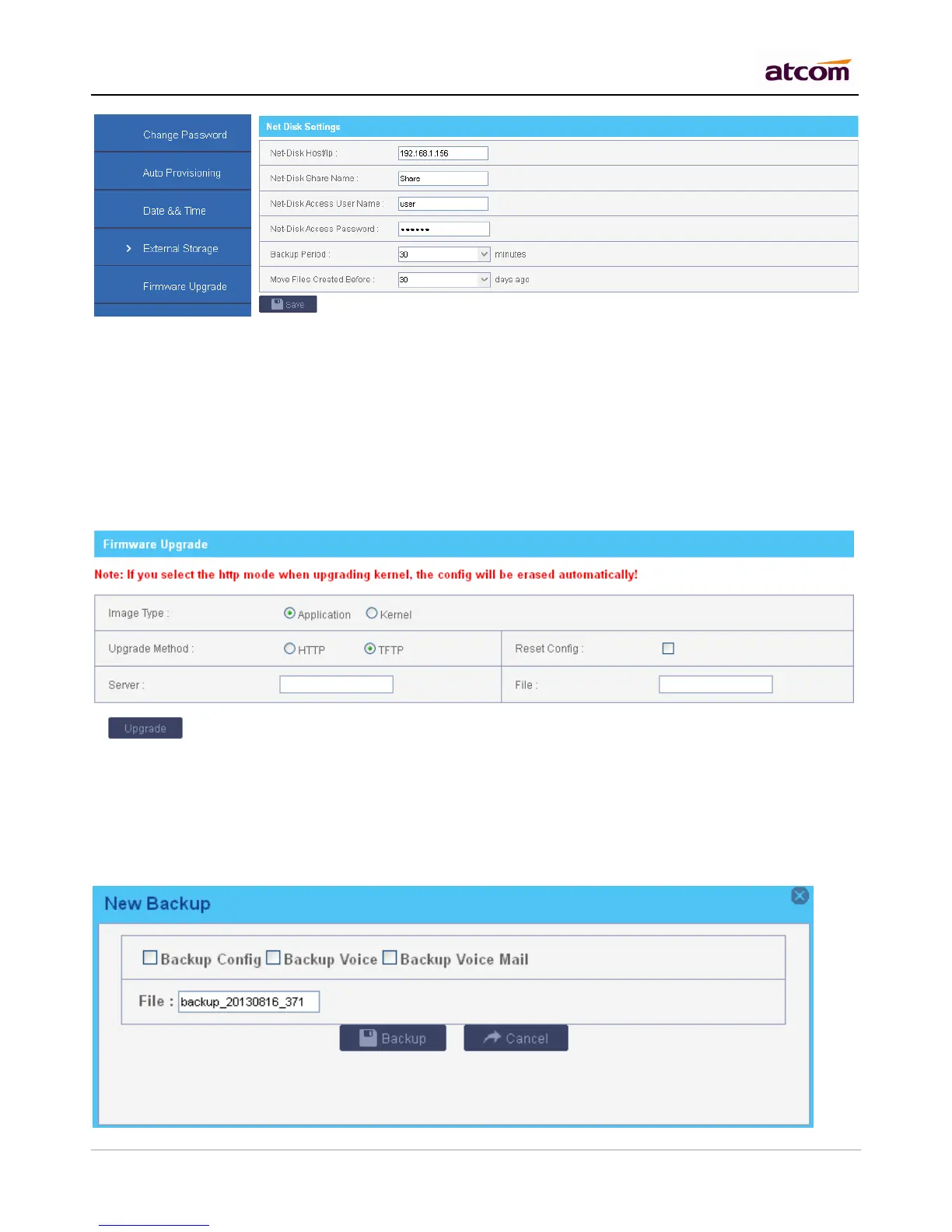
Firmware for IPPBX There are two ways to upload Kernel / Application for IPPBX:
1) HTTP
Upload them from local PC. It will reset IPPBX to factory default settings by default.
2) TFTP
Upload them from TFTP server, the Kernel / Application must be located in base directory of TFTP server.
Choose Reset Config will reset the configuration.
11.6 Backup and Restore
1) Backup
Create Backup for configuration / System audio prompt / Voice Mail. The backup can be downloaded to local PC.



 To Next Page