IPPBX IP2G4A User Manual
~ 69 ~ ATCOM TECHNOLOGY CO., LIMITED
4. Set External Storage
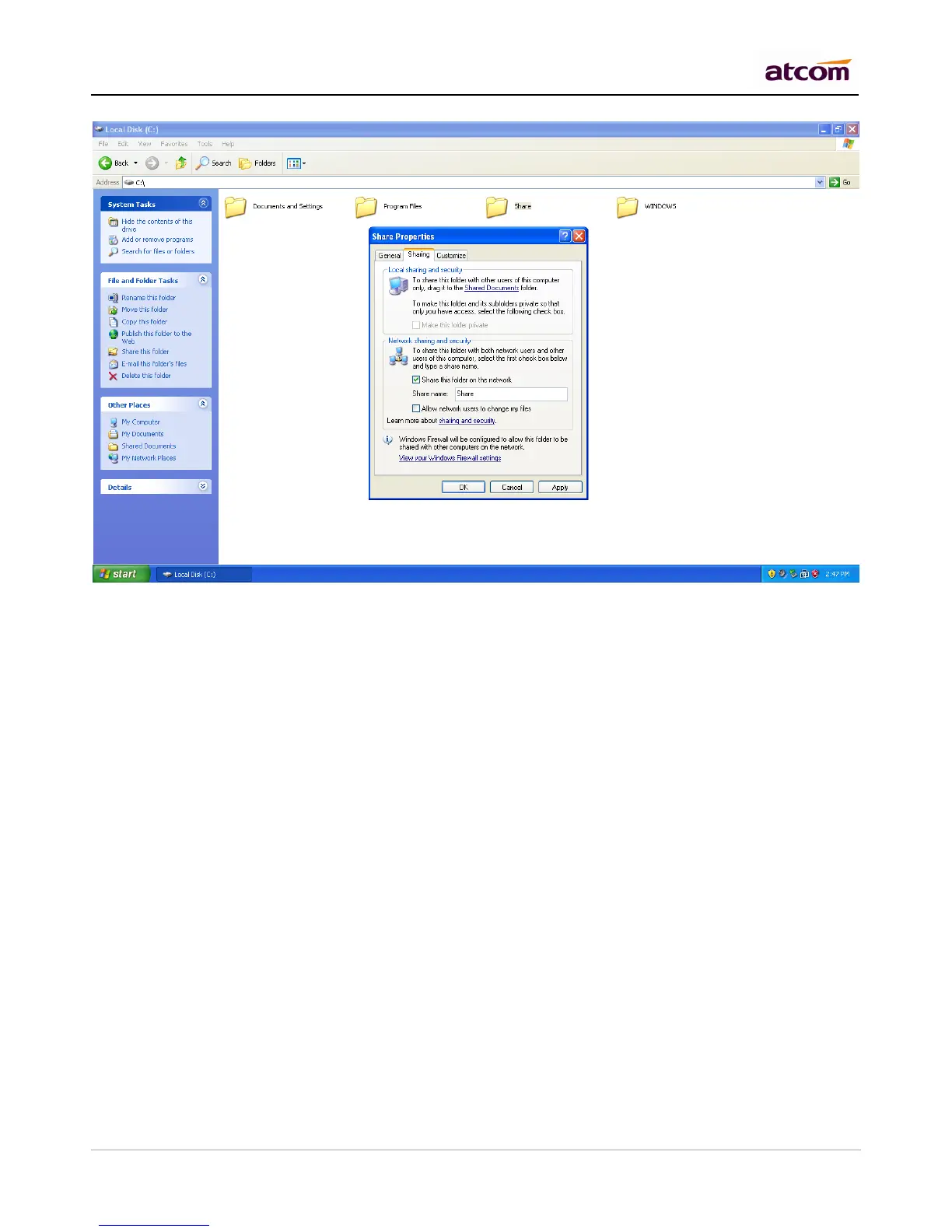
Net-Disk Host/IP
IP of the PC
Net-Disk Share Name
The name of the share folder
Net-Disk Access User Name
Account in that PC
Net-Disk Access Password
Password for the account, if there is no password required, leave it blank.
Backup Period
How often PBX move its voicemail/call recording/CDR data to PC
Move Files Created Before days ago
Choose what files should be move to PC according to their creation time. 0 means immediately. Note that even 0
is set, the size of call recording must be more than 60 M, that of CDR must be 10M. Then IPPBX will move them
to PC.



 To Next Page