IPPBX IP2G4A User Manual
~ 27 ~ ATCOM TECHNOLOGY CO., LIMITED
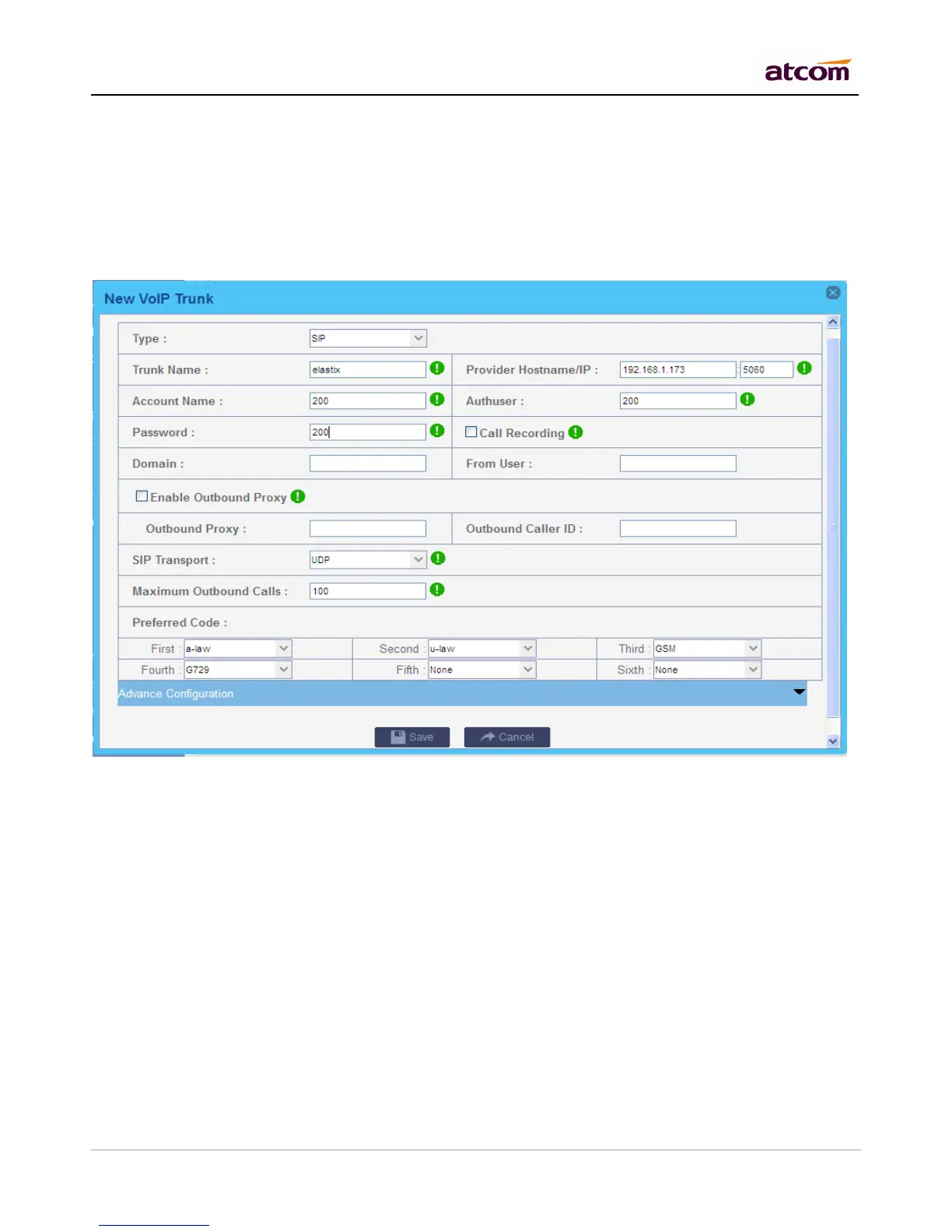
Define the maximum quantity of outbound connections (simultaneous calls) that can be used on this trunk.
Inbound calls are not counted in. 0 means no connection limit.
Preferred Code
Set the allowed codec and priority for this trunk.
Call Recording
Check this option to record all exterior calls made by this trunk. User can check the recordings with record
account(password is the same with admin) .
Advance Configuration
DOD(Direct Outward Dialing Number) Setting
Set the Outbound number for different extensions.
For example:



 To Next Page