IPPBX IP2G4A User Manual
~ 74 ~ ATCOM TECHNOLOGY CO., LIMITED
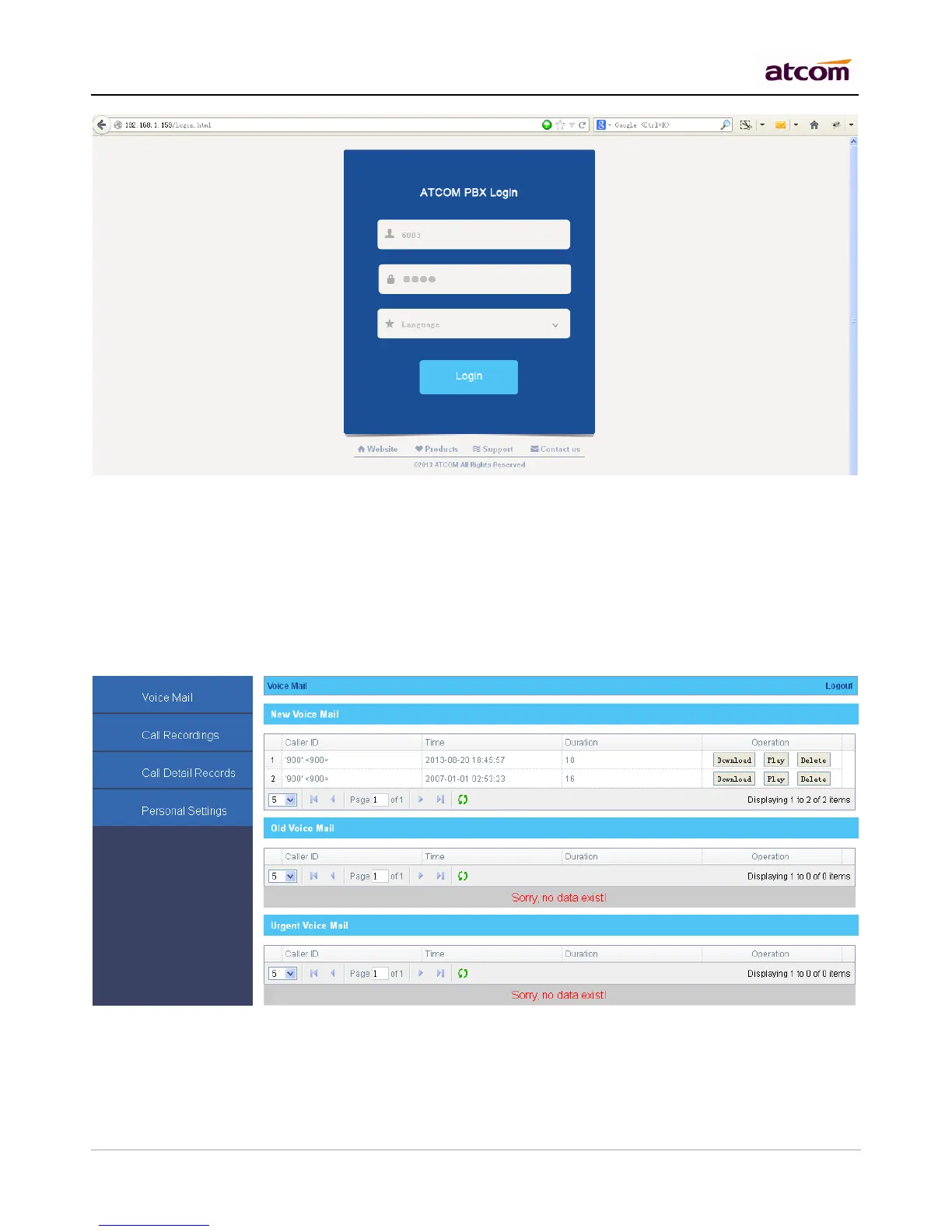
1. Check Use Web Interface option in PBX Settings -> Extensions management settings to allow this
extension to login its own web interface.
2. Enter the IP of PBX in the browser.
3. Login with extension number / Voice Mail Access PIN Code as username / password
1) Voice Mail Checking
Users can listen / download / delete / move voice mail here.
2) Call Recording Checking



 To Next Page