ATEL V810 Series
V810A Data User Manual
V6.1, January 3, 2023
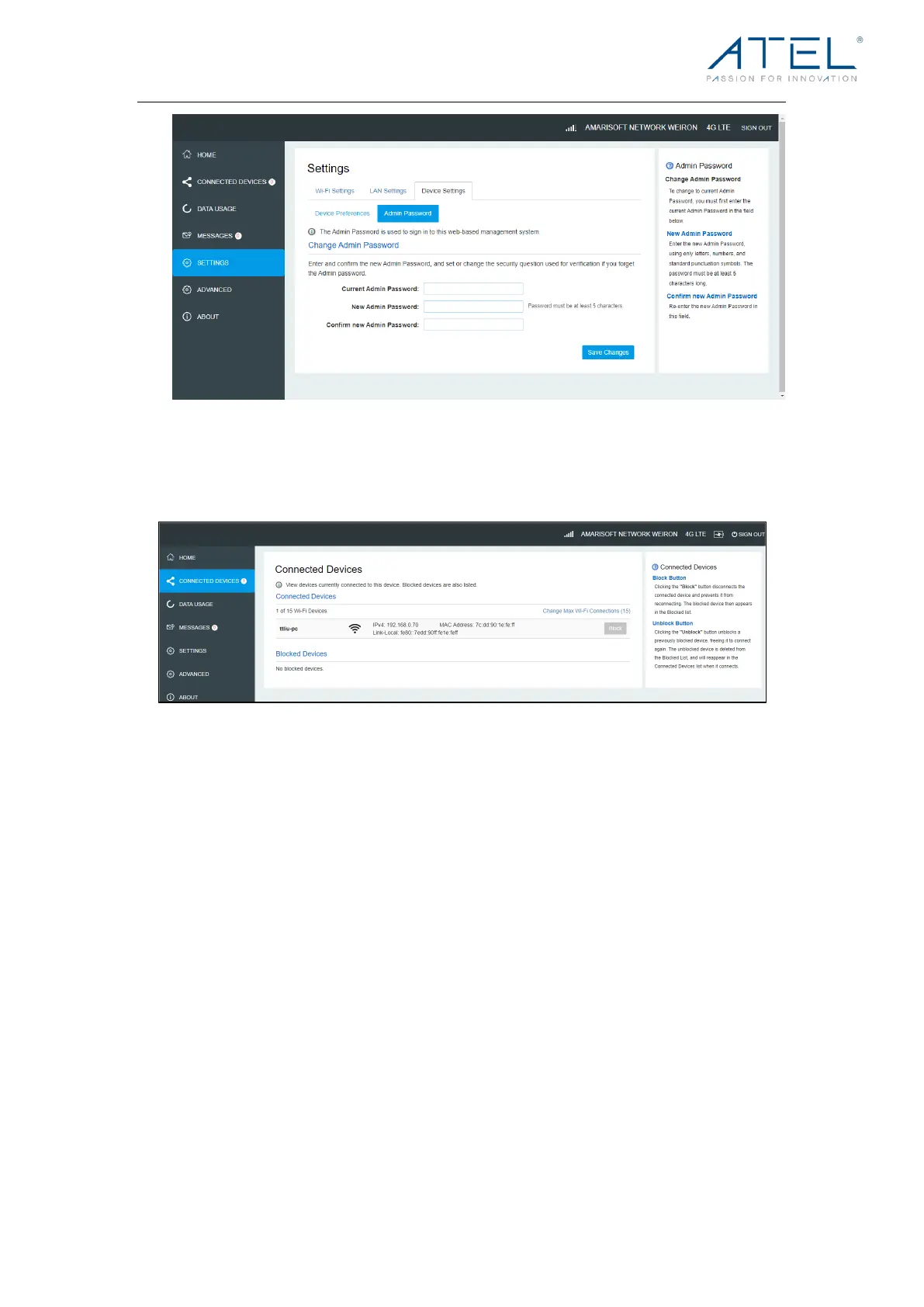
Connected Devices
On this page, you can see Connected Devices, Blocked Devices and Change Max Wi-Fi
Connections.
• Connected Devices: This field lists the clients that are connected to your V810A.
• Change Max Connections: The default max connection is 15. Click this button and it
will take you to the Wi-Fi Settings where you can change the Max Wi-Fi Connections.
To b loc k a d ev ice , cho ose a d es ire d d ev ice a nd cli ck the B loc k butt on . T he Wi-Fi
connection to the blocked device will be disconnected and the blocked device will
appear in the Blocked Devices list.
• Blocked Devices shows the devices that are blocked. Choose a blocked device and
click the Unblock button; the selected device will disappear from the “Blocked
Devices” list. It will show in the “Connected Devices” list again after it connects to your
V810A.
Data Usage
This page shows the estimated data usage which may not match your bill. Check with your
service provider for billable usage. If desired, choose Day of Month, Usage Limit and Click
Save Changes to save your settings.



 To Next Page