ATEL V810 Series
V810A Data User Manual
V6.1, January 3, 2023
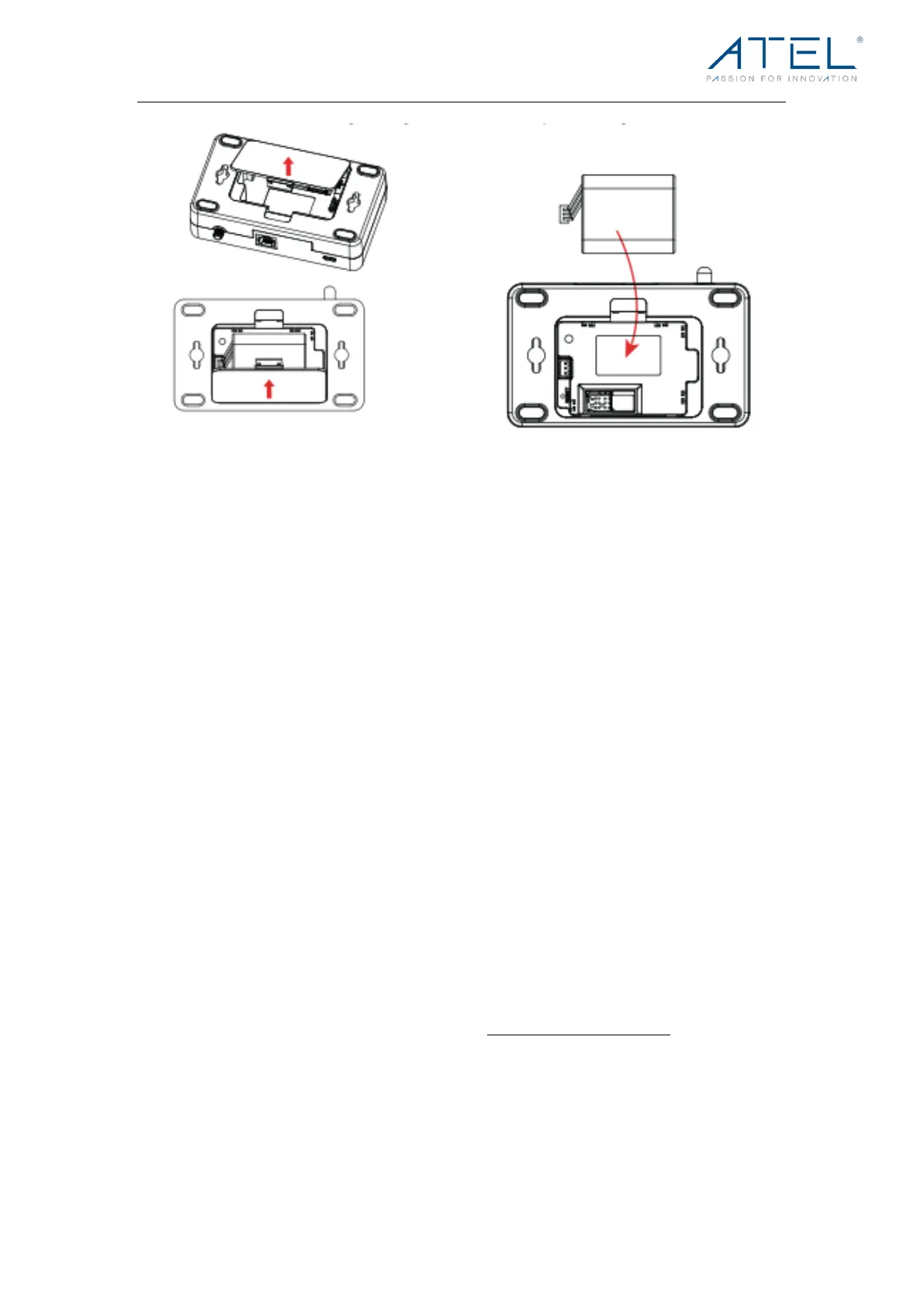
Backup Battery Tips
Battery life depends on the network, signal strength, temperature, features, and accessories
you use. Generally, usage time on the NiMH battery pack is approximately (up to) two hours
and 40 minutes, and standby time is approximately 32 hours.
In battery-only mode, you can check the battery level by pressing the Power Key. The battery
level will be in the upper right corner of the screen.
Do not use sharp objects or excessive force or remove the battery, as this may damage the
V810A and the batteries and will void any warranties.
Never expose batteries to temperatures below -20°C (4°F) or above 60°C (140°F).
Installing the Optional Antennas (Sold Separately)
To i ncr eas e sig nal st ren gt h, you ca n ins tal l a n o pt ion al ant en na.
1. Align the antenna with the antenna port and screw securely into place in a
clockwise direction.
2. Restart the V810A after the antenna is installed or removed.
Using optional accessories (antenna and battery pack) by ATEL is recommended,
more information available at ATEL website, https://www.atel-usa.com/.



 To Next Page