ATEL V810 Series
V810A Data User Manual
V6.1, January 3, 2023
Turning your V810A On/Off
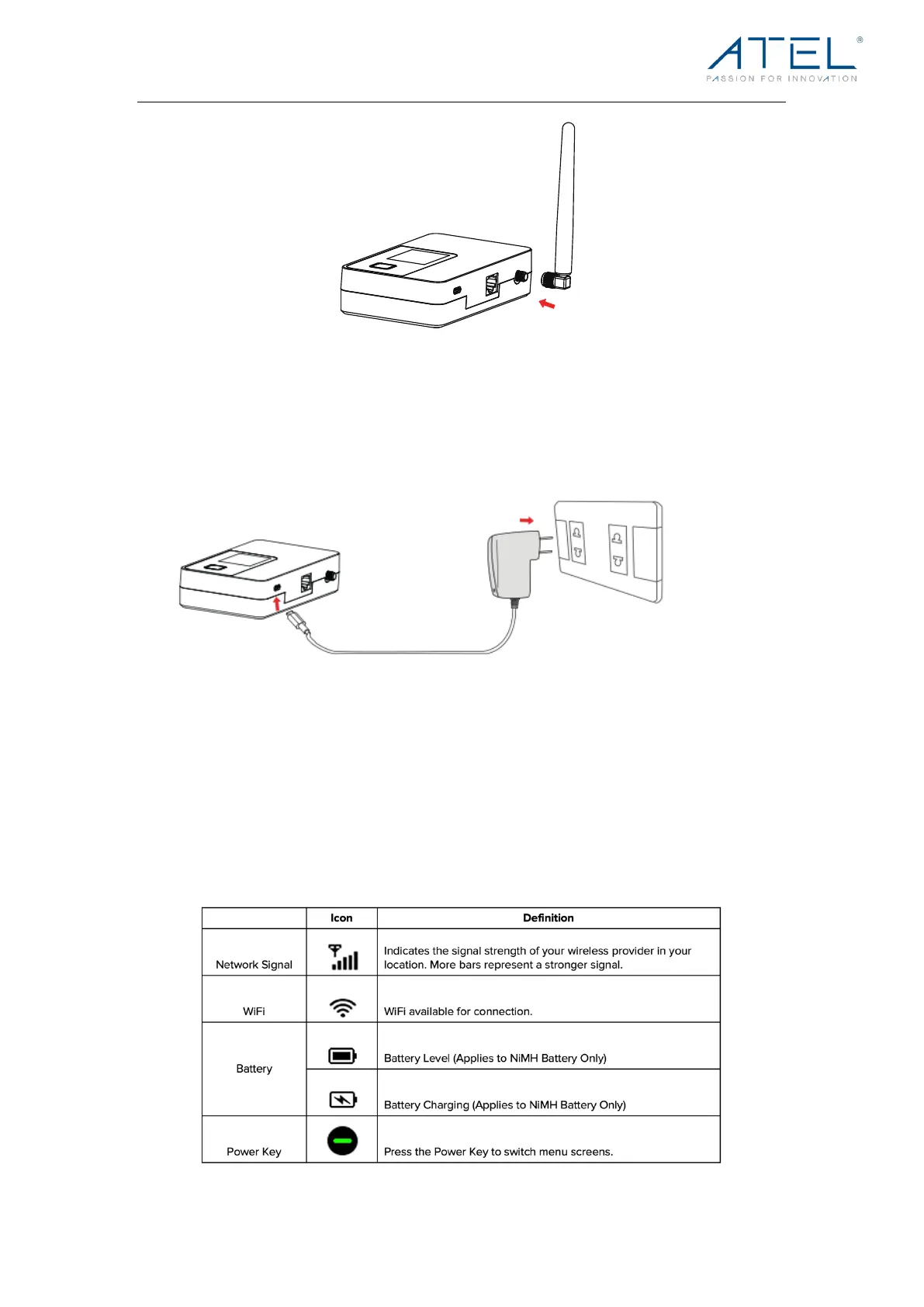
1. Connect your V810A to a wall adapter with a USB-C cable and plug the wall adapter to
the wall outlet.
2. To turn your V810A on, press and hold the Power Button.
3. To turn it off, press and hold the Power Button until you see the screen turn off.
WARNING! Please only use an approved USB adapter for the V810A. The use of other
incompatible adapters may cause damage to your device and void the warranty.
V810A LCD Display
On your V810A LCD Display, you may see one or more of the following icons:



 To Next Page