ATEL V810 Series
V810A Data User Manual
V6.1, January 3, 2023
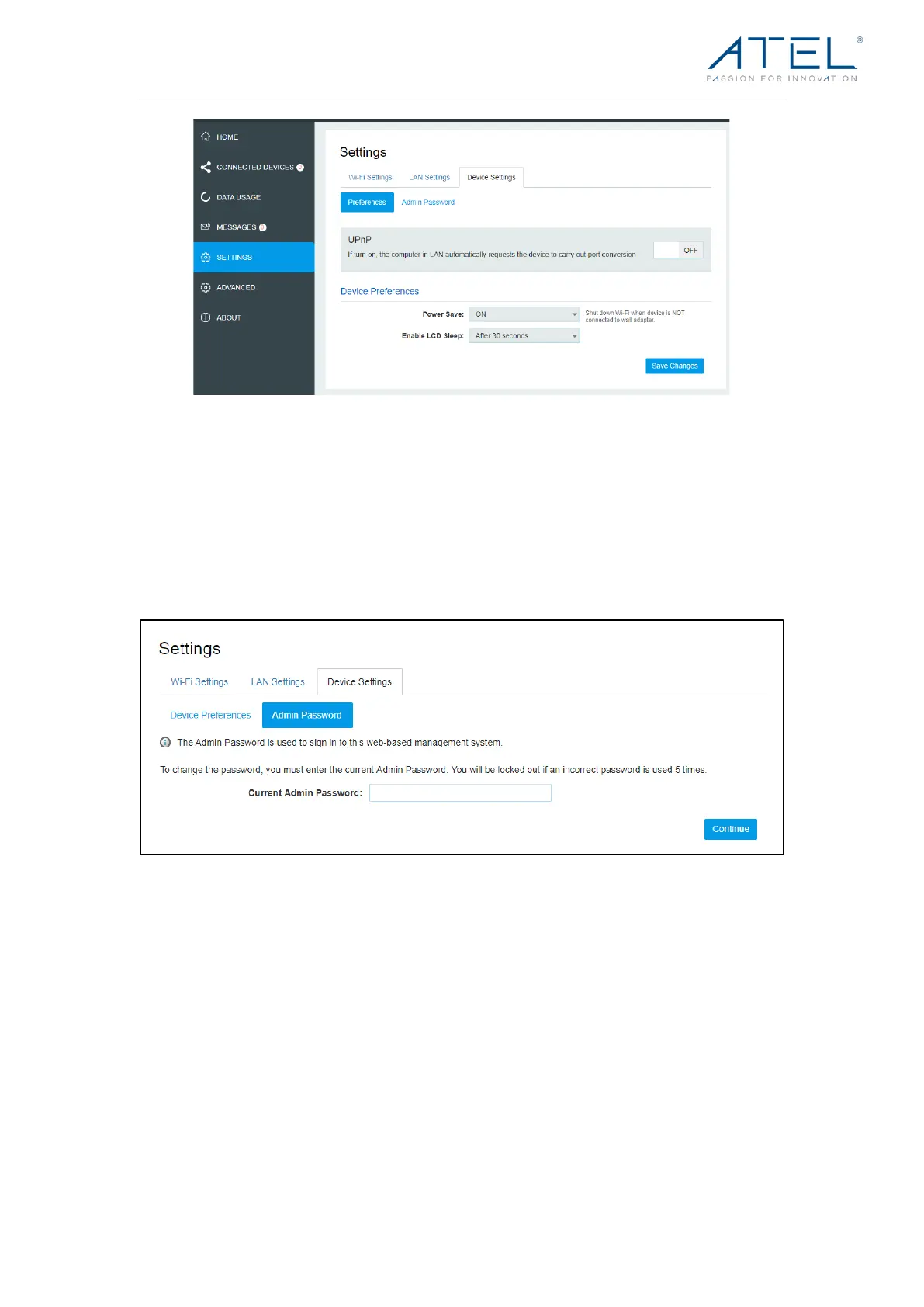
Admin Password
Admin Password:
The Admin Password is used to sign into this Online Portal. To change the password, you
must enter the current Admin Password. You will be locked out if an incorrect password is
used 5 times. If locked out, you will need to restart your V810A and enter the Online Portal
again.
Advanced
On this page, you can see Firewall Settings.
Firewall Settings
On this page, you can see four menus: Firewall, MAC Filter, Port Filtering and Port
Forwarding.



 To Next Page