ATEL V810 Series
V810A Data User Manual
V6.1, January 3, 2023
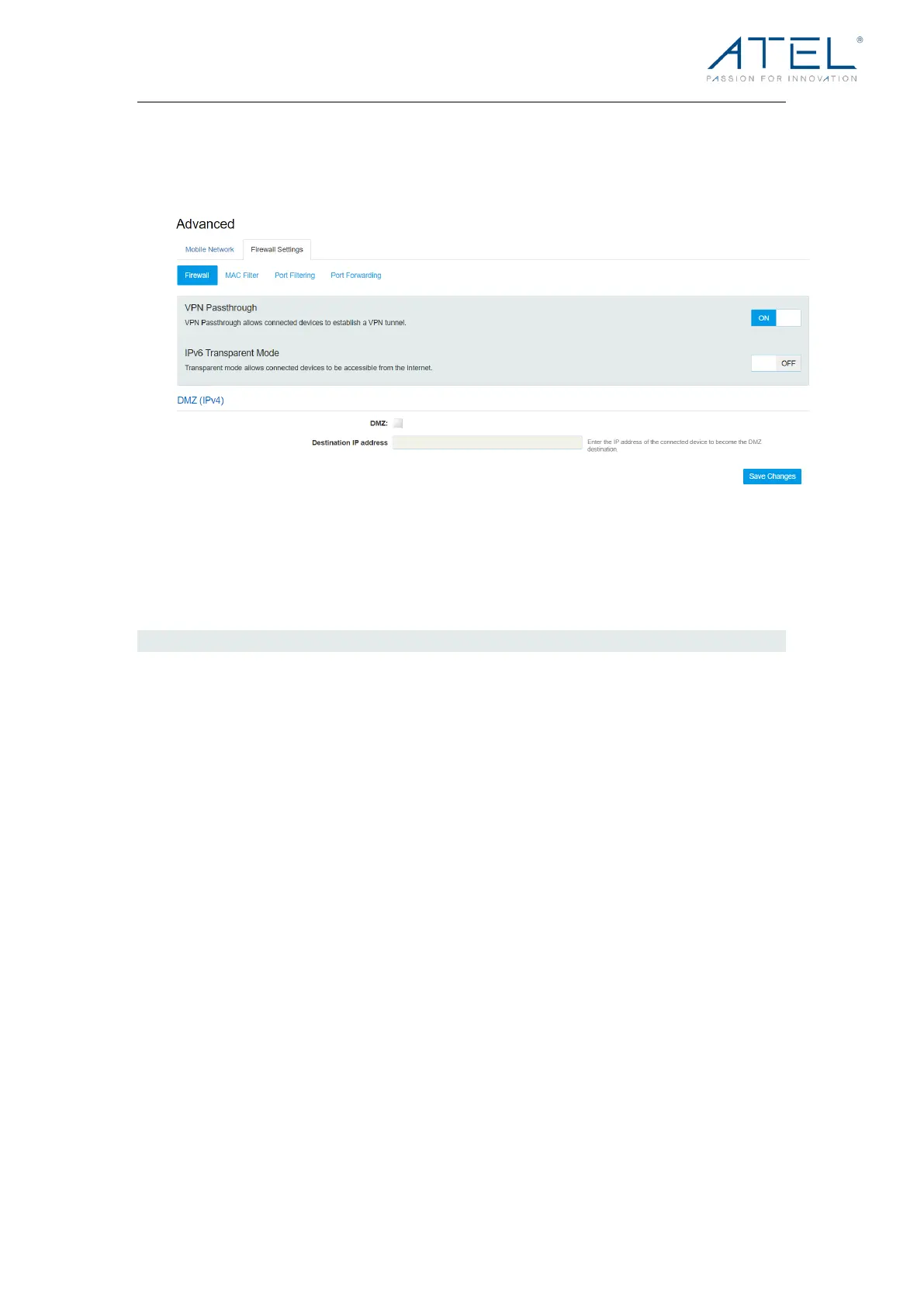
Firewall
This page contains Firewall-related settings:
l VPN Passthrough
After being turned on, VPN Passthrough allows connected devices to establish a VPN
tunnel.
l IPv6 Transparent Mode
Transparent mode allows connected devices to be accessible from the Internet.
l DMZ (IPv4)
Enter the IP address of the connected device in the Destination IP address input field to
become the DMZ destination. After enabling the DMZ feature, all the applications of the
connected device will be visited.



 To Next Page