ATEL V810 Series
V810A Data User Manual
V6.1, January 3, 2023
About
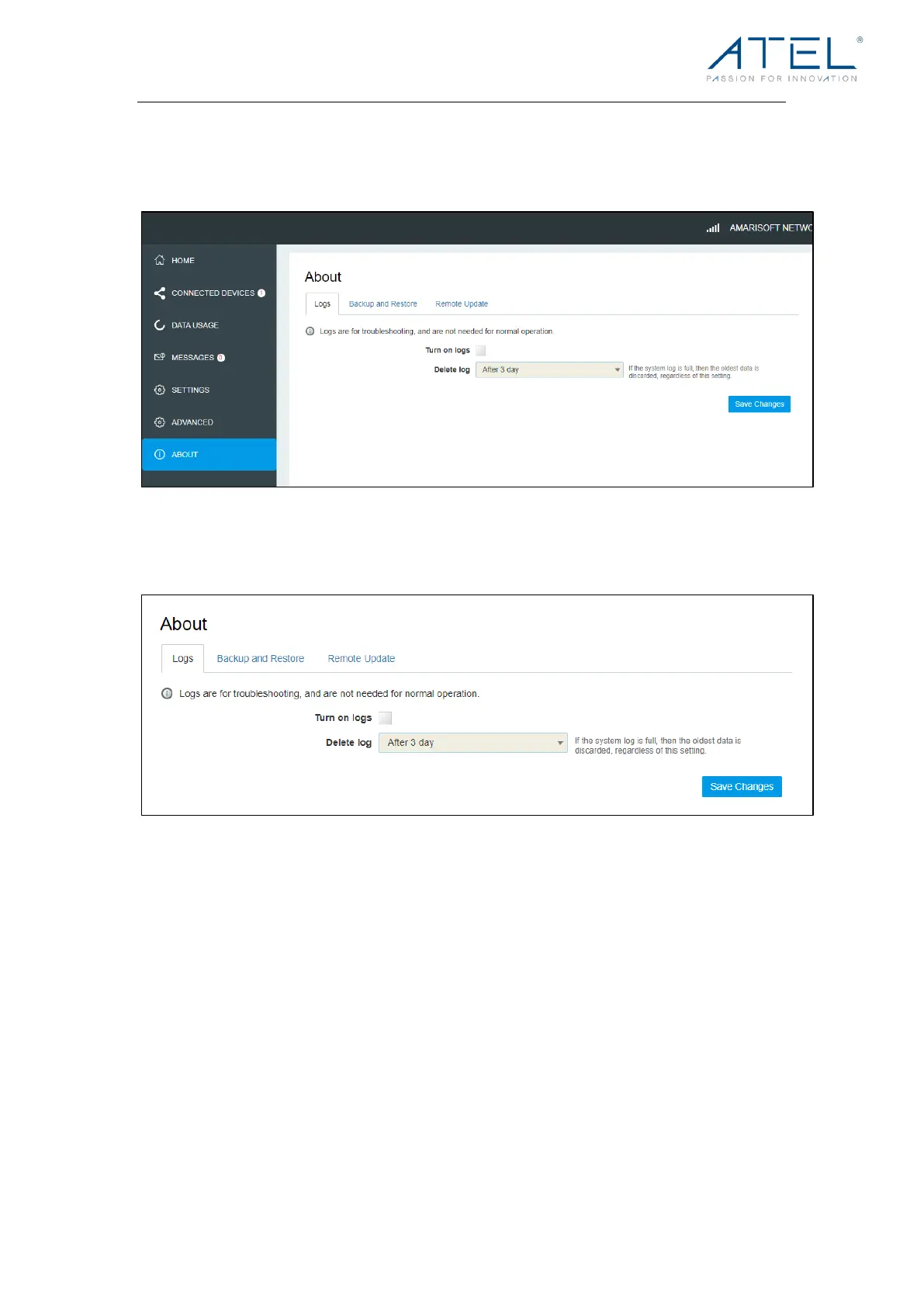
From the Online Portal Home screen, click the About tab to view the available information.
Logs
l Turn on Logs
Turn on the logs as needed.
l Delete Log
This setting determines for how long the log data is retained. Select the desired option.
Note that if the log is full, the oldest data is deleted, regardless of this setting.
l Log
This log contains data regarding connections to the mobile network.
l Clear Log
Clicking this button will delete all existing log data. This makes new data easier to read.
l Refresh
Use this to update the log data which is displayed.



 To Next Page