ATEL V810 Series
V810A Data User Manual
V6.1, January 3, 2023
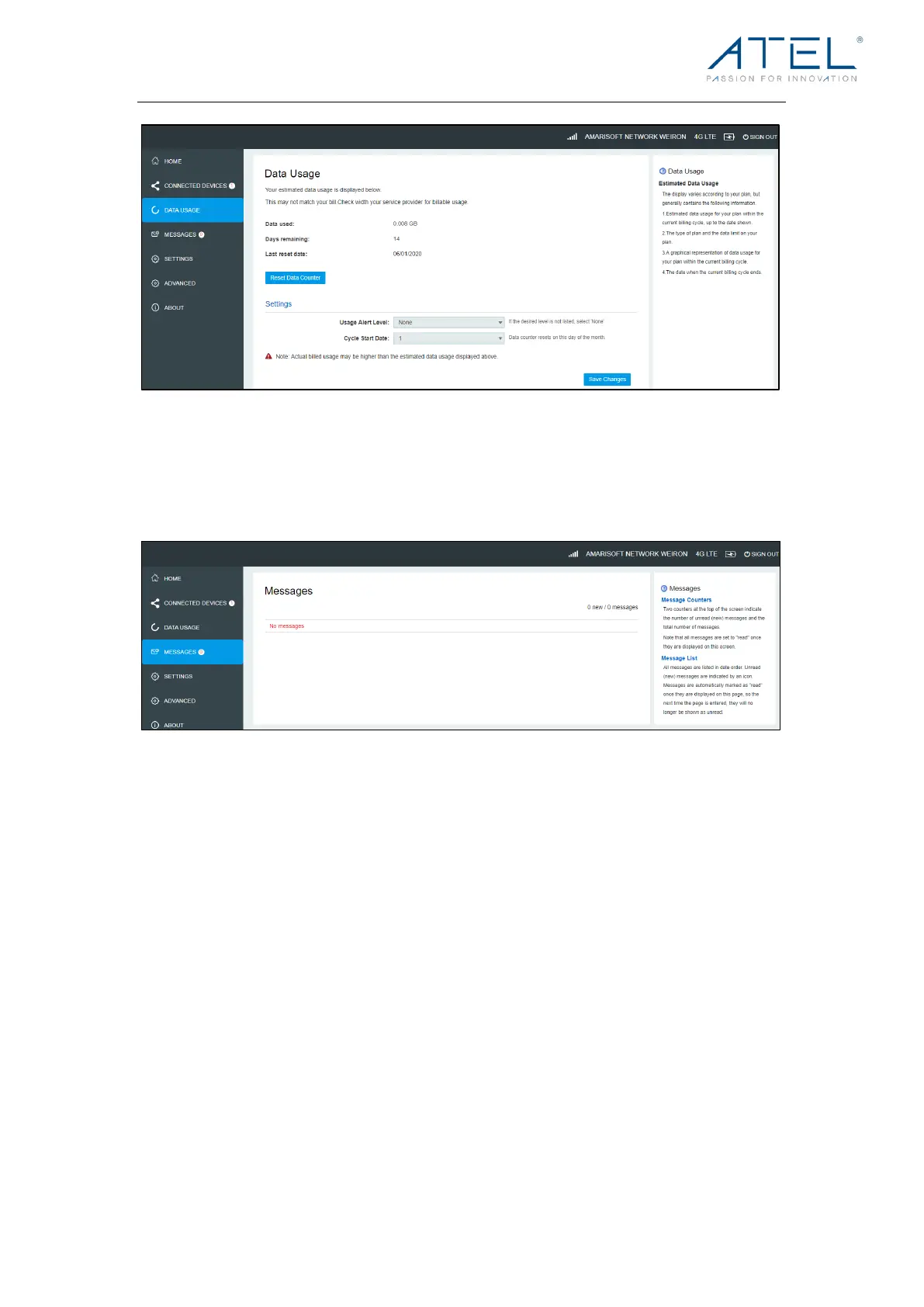
Messages
Messages page displays SMS messages sent to you by your Wireless Carrier.
The number of unread messages displays to the right of the message icon.
When a new message arrives, the message icon appears. A maximum of 30 messages
can be stored.
To vie w a mes sa ge, select a message from the Messages menu. To del et e a se lec ted
message, click the trash bin icon to the right of the message date and timeline. To delete
all messages, click the Delete All Messages button.
Settings
The Settings page has the following menu options.
• Wi-Fi Setting
• LAN Settings
• Device Settings



 To Next Page