Hardware installation
HARDWARE CONFIGURATION
Connect your ATEQ equipment to the Profinet fieldbus using its Profinet connectors and compatible
cables.
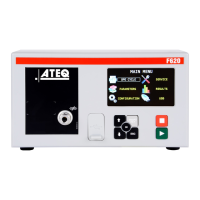
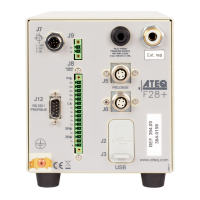
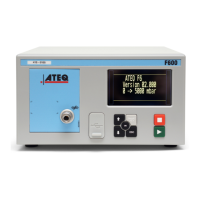
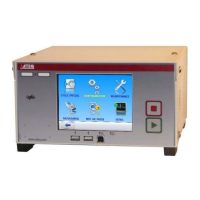
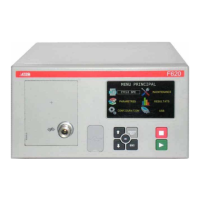
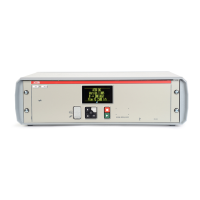
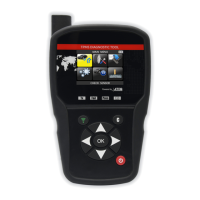
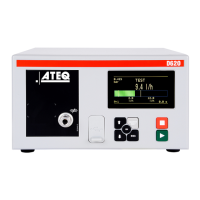
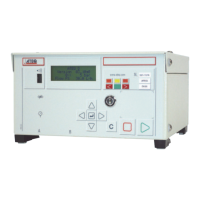
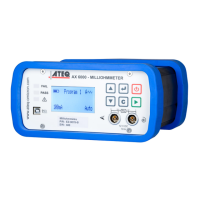
Your device has a Profinet internal board and two Profinet connectors.
The Profinet internal board is located inside your device. Two versions are available:
—
COMX 100
—
COMX 51
You can see the version installed using your user interface (see Identification of the version of the
Profinet module).
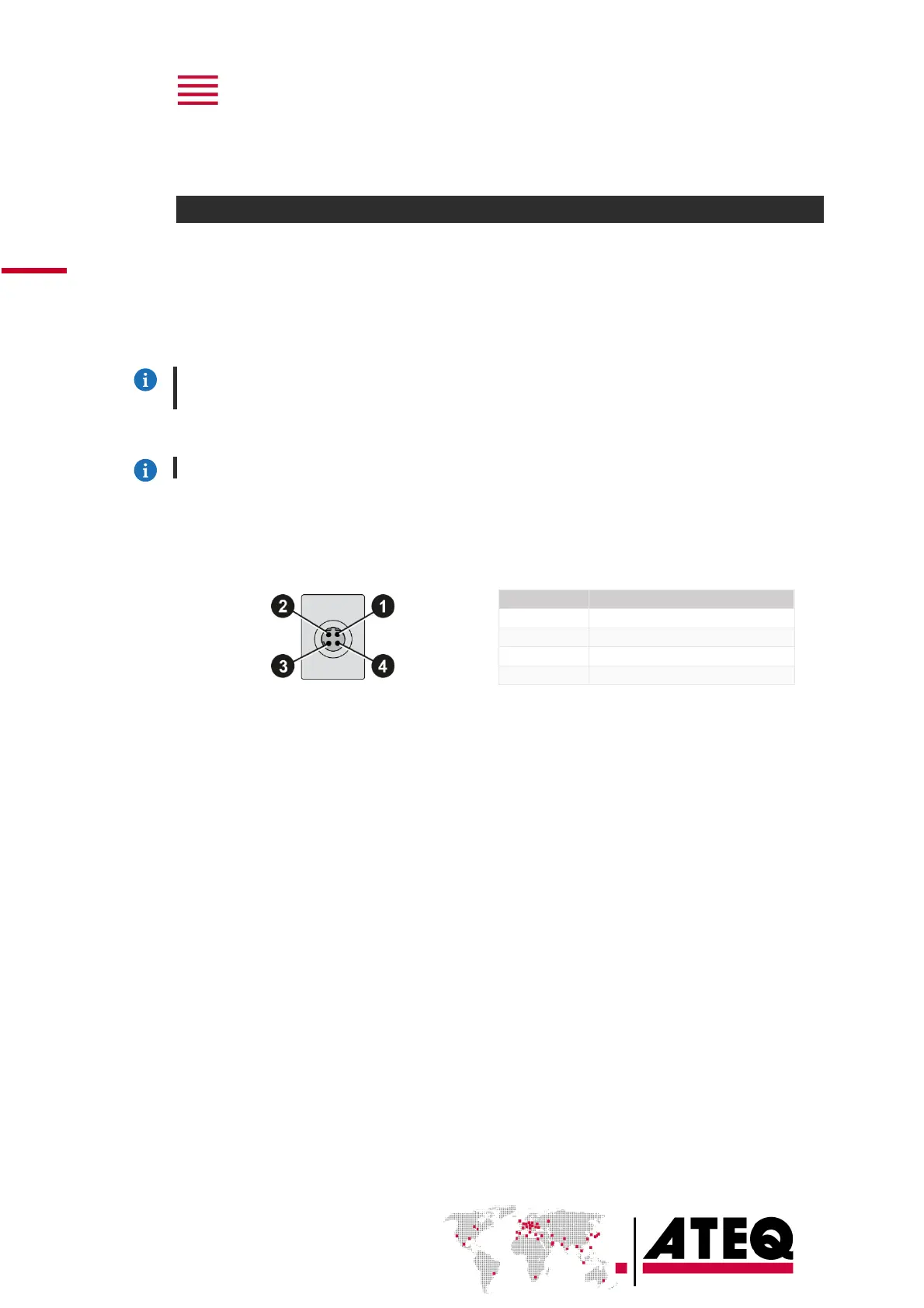
Your device has two M12 D coded type connector - 4 pins female connector.
For more information on your ATEQ equipment, refer to the Quick Start Manual.
M12 D coded type connector - 4 pins female connector


 To Next Page