ATI Q46H/85 PAA System Part 6 – Configuration
31
O&M Manual
Rev F (8/17)
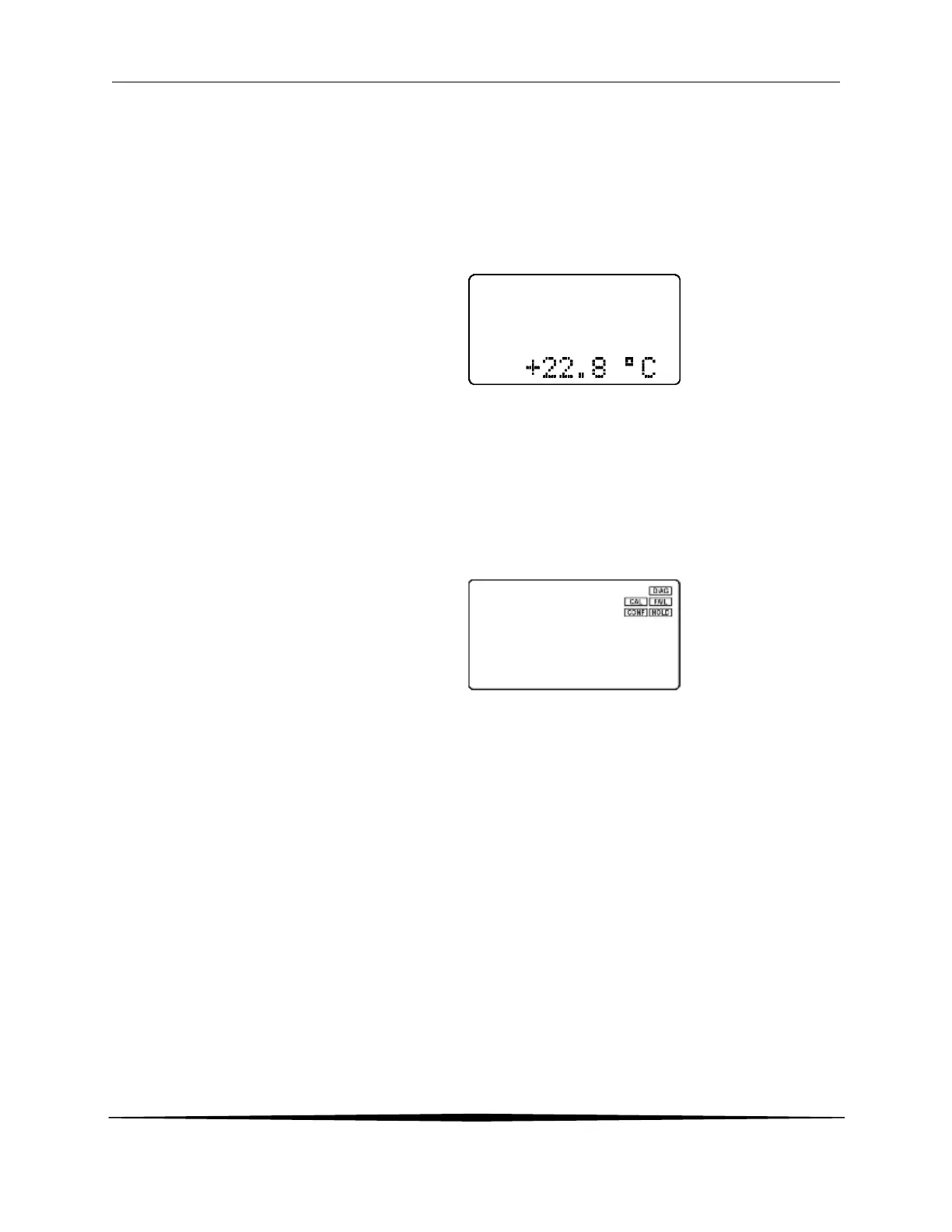
Lower Line During normal operation, the lower line of the display indicates user-
selected secondary measurements that the system is making. This also
includes calibration data from the last calibration sequence and the
transmitter model number and software version. During configuration,
the lower line displays menu items and set-up prompts to the user.
Finally, the lower line will display error messages when necessary. For a
description of all display messages, refer to Section 10.4 Display
Messages.
Icon Area The icon area contains display icons that assist the user in set-up and
indicate important states of system functions. The CAL, CONFIG, and
DIAG icons are used to tell the user what branch of the software tree the
user is in while scrolling through the menu items. This improves
software map navigation dramatically. Upon entry into a menu, the title
is displayed (such as CAL), and then the title disappears to make way for
the actual menu item. However, the icon stays on.
HOLD The HOLD icon indicates that the current output of the transmitter has
been put into output hold. In this case, the output is locked to the last
input value measured when the HOLD function was entered. HOLD
values are retained even if the unit power is cycled.
FAIL The FAIL icon indicates that the system diagnostic function has detected
a problem that requires immediate attention. This icon is automatically
cleared once the problem has been resolved.


 To Next Page