ATI Q46H/85 PAA System Part 6 – Configuration
30
O&M Manual
Rev F (8/17)
6.11 Keys
All user configurations occur through the use of four membrane keys. These keys are used as
follows:
MENU/ESC To scroll through the menu section headers or to escape from anywhere
in software. The escape sequence allows the user to back out of any
changes in a logical manner. Using the escape key aborts all changes to
the current screen and backs the user out one level in the software tree.
The manual will refer to this key as either MENU or ESC, depending
upon its particular function. In the battery-powered version of the Q46,
this is also the ON button.
UP (arrow) To scroll through individual list or display items and to change number
values.
LEFT (arrow) To move the cursor from right to left during changes to a number value.
ENTER To select a menu section or list item for change and to store any change.
6.12 Display
The large custom display provides clear information for general measurement use and user
configuration. There are three main areas of the display: the main parameter display, the
secondary message line, and the icon area.
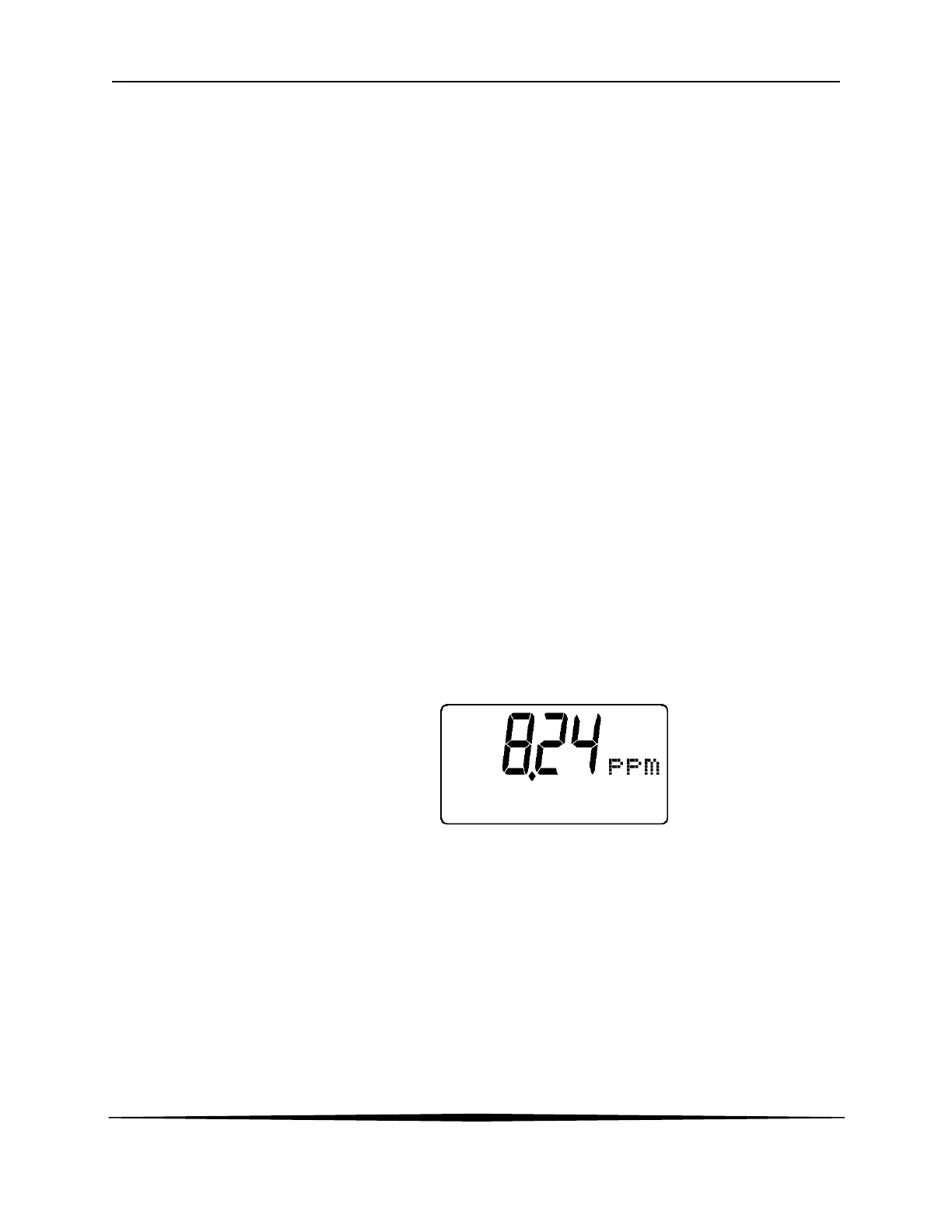
Main Parameter During normal operation, the main parameter display indicates the
present process input with sign and units. This main display may be
configured to display any of the main measurements that the system
provides. During configuration, this area displays other useful set-up
information to the user.


 To Next Page