ATI Q46H/85 PAA System Part 6 – Configuration
32
O&M Manual
Rev F (8/17)
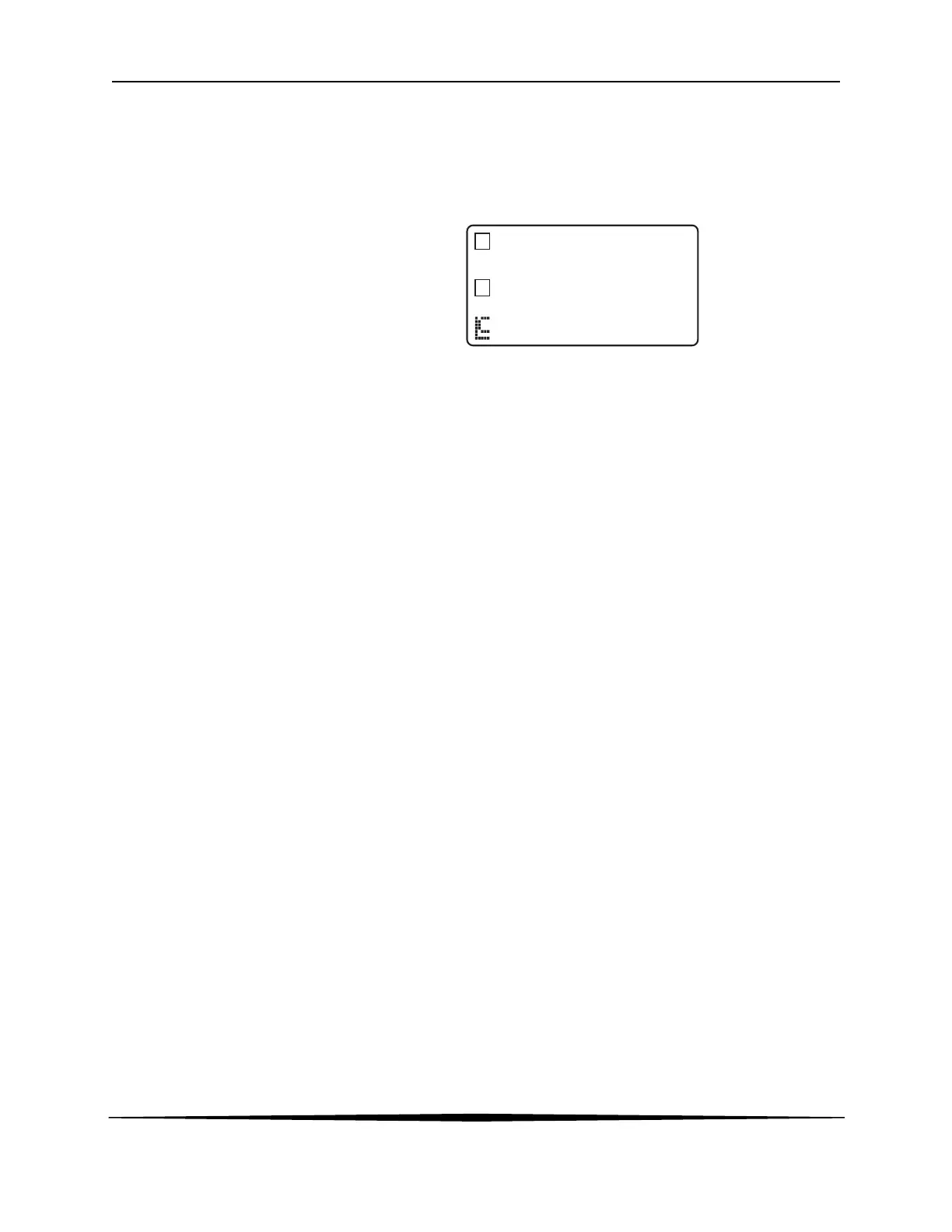
Relay Area A/B The relay area contains two icons that indicate the state of the system
relays (if the relay card is installed). Relay C is normally configured for
FAIL indication, so it is only displayed on the lower MEASURE display
line.
6.2 Software
The software of the Q46 is organized in an easy to follow menu-based system. All user settings
are organized under five menu sections: Measure, Calibration [CAL], Configuration [CONFIG],
Control [CONTROL] and Diagnostics [DIAG].
Note: The default Measure Menu is display-only and has no menu icon.
6.21 Software Navigation
Within the CAL, CONFIG, CONTROL, and DIAG menu sections is a list of selectable items.
Once a menu section (such as CONFIG) has been selected with the MENU key, the user can
access the item list in this section by pressing either the ENTER key or the UP arrow key. The
list items can then be scrolled through using the UP arrow key. Once the last item is reached, the
list wraps around and the first list item is shown again. The items in the menu sections are
organized such that more frequently used functions are first, while more permanent function
settings are later in the list. See Figure 23 for a visual description of the software.
Each list item allows a change to a stored system variable. List items are designed in one of two
forms: simple single variable, or multiple variable sequences. In the single variable format, the
user can quickly modify one parameter - for example, changing temperature display units from °F
to °C. In the multiple variable sequence, variables are changed as the result of some process.
For example, the calibration of PAA generally requires more than one piece of information to be
entered. The majority of the menu items in the software consist of the single variable format type.
A
B


 To Next Page