22 MAN - Pyrolytic Oven - REV: Original | E. Software Overview
Passwords Button
Will not be displayed until the correct ID and Password has been entered. Once it is displayed, pressing it will go to
the password screen. (Default ID: 2, Password: 222222).
Standardize Button
Will not be displayed until the correct ID and Password has been entered. Once it is displayed, pressing it will go to
the standardize screen. (Default ID: 3, Password: 333333).
Settings, Language, Data, and Alarm Butons
Each take you to their screens which are described later in this section.
Done Button
Returns you to the Main Screen.
E.4 Language Screen
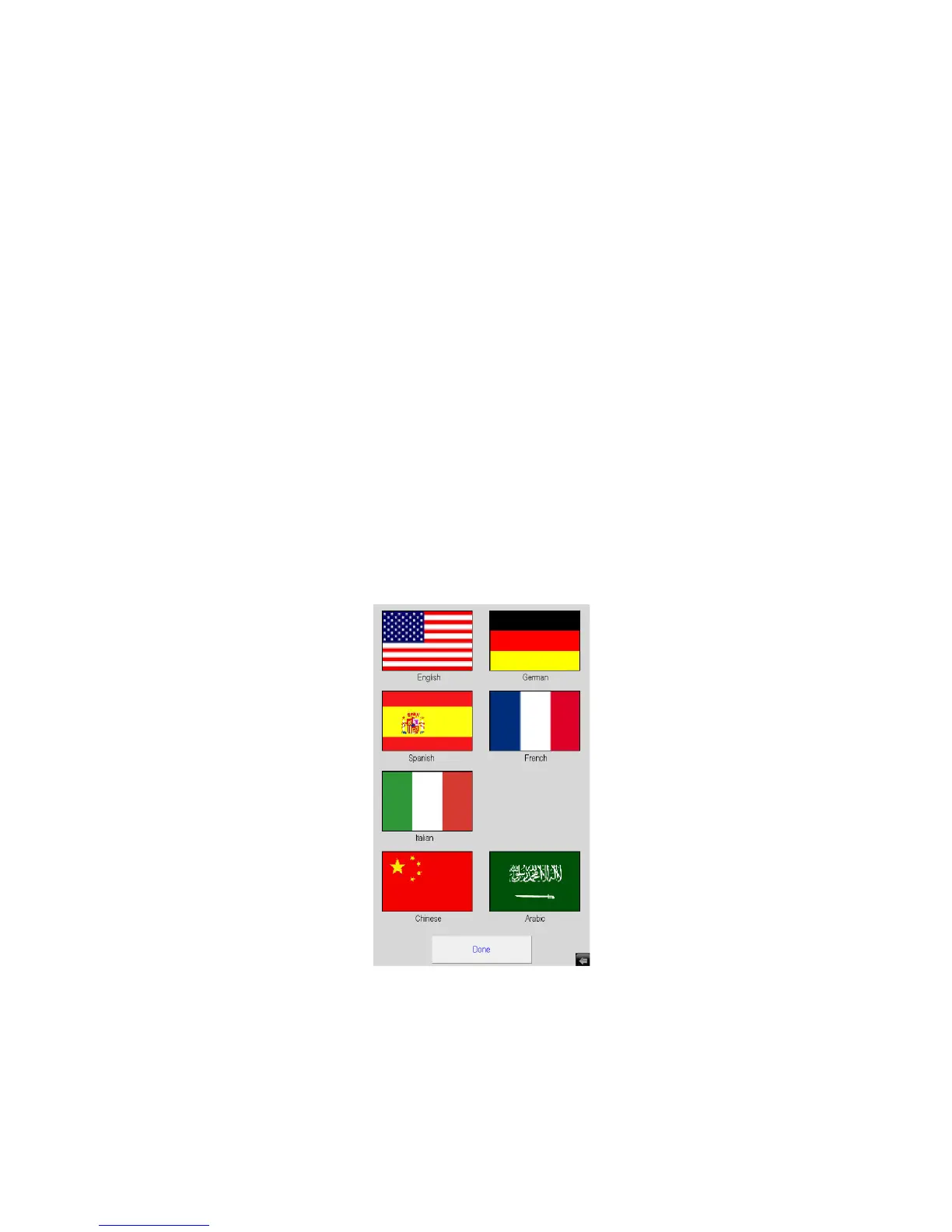
Figure E.13 shows the Language Screen that is shown when you press the Language Button on the View Screen. It
allows you to set the language used in all the screens.
Simply select your language of choice then press the Done Button to go back to the View Screen.
Figure E.13 - Language Screen


 To Next Page