39
light will be emitted only once per press. The light emission time is determined
by the spotting time. If you need to spot the light again, you need to release
the switch and press the light switch again.
Swing: after the laser is enabled, the light emitting conditions are
met, the light spot swings slowly to achieve the effect of scale pattern.
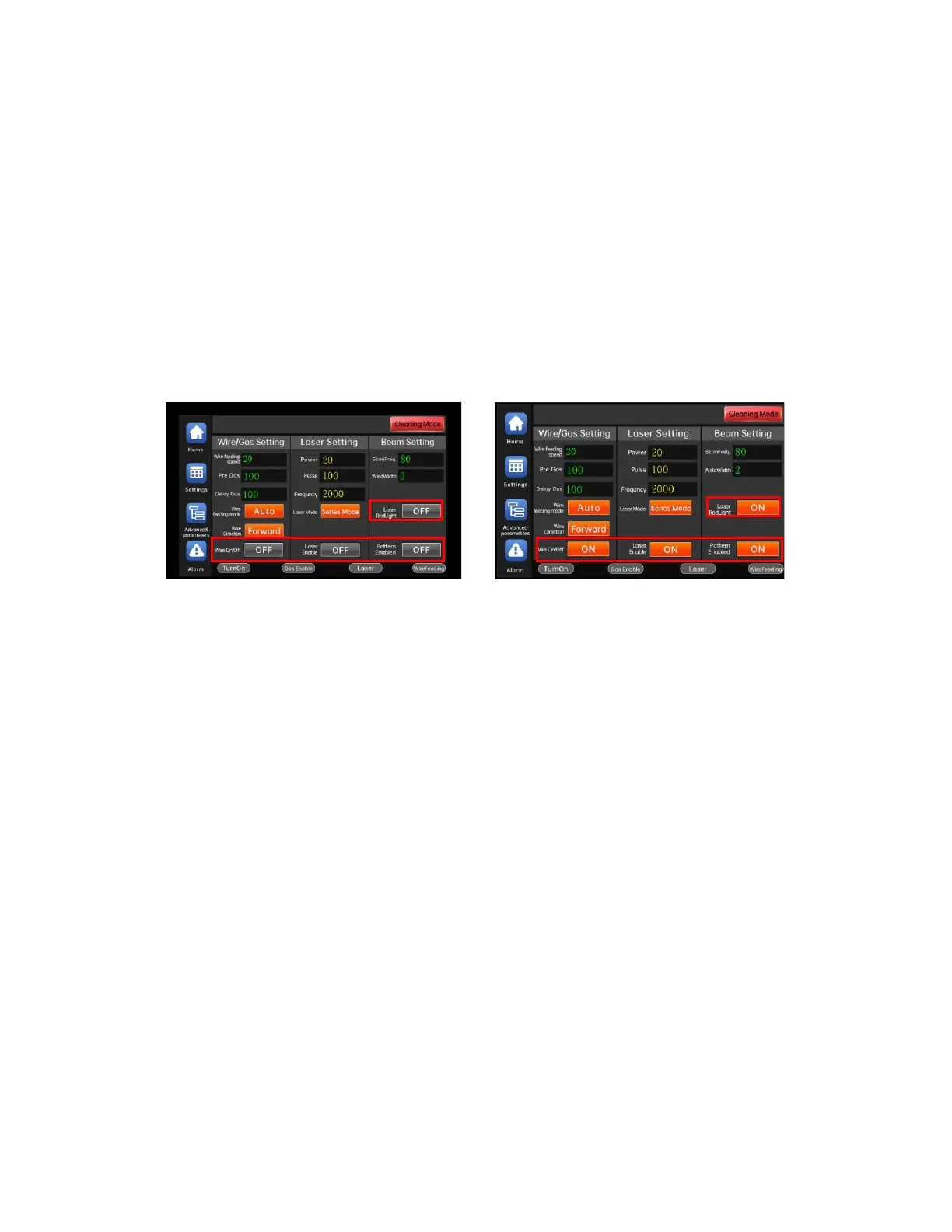
The enable button has an indication function. The closed and open states
are as shown in the figure below:
Turn off enable Turn on enable
Enable and switch control buttons:
"Red light indicator" button: Turn on/off the red light indicator.
"Beam enable" button: Turn on/off the light spot swing.
"Laser mode" button: Set the light emitting mode of "continuous"\"spot
shot".
"Laser enable" button: turn on/off the laser enable, only the laser enable
is turned on can light be emitted.
"Wire feed switch" button: Turn on/off the wire feed.
"Wire feeding mode" button: can switch between inching wire feeding and
automatic wire feeding. When the wire feeding is inching, the wire feeding
switch must be pressed continuously before the wire feeder moves, and the wire
feeding switch stops when the wire feeding switch is released. During automatic



 To Next Page