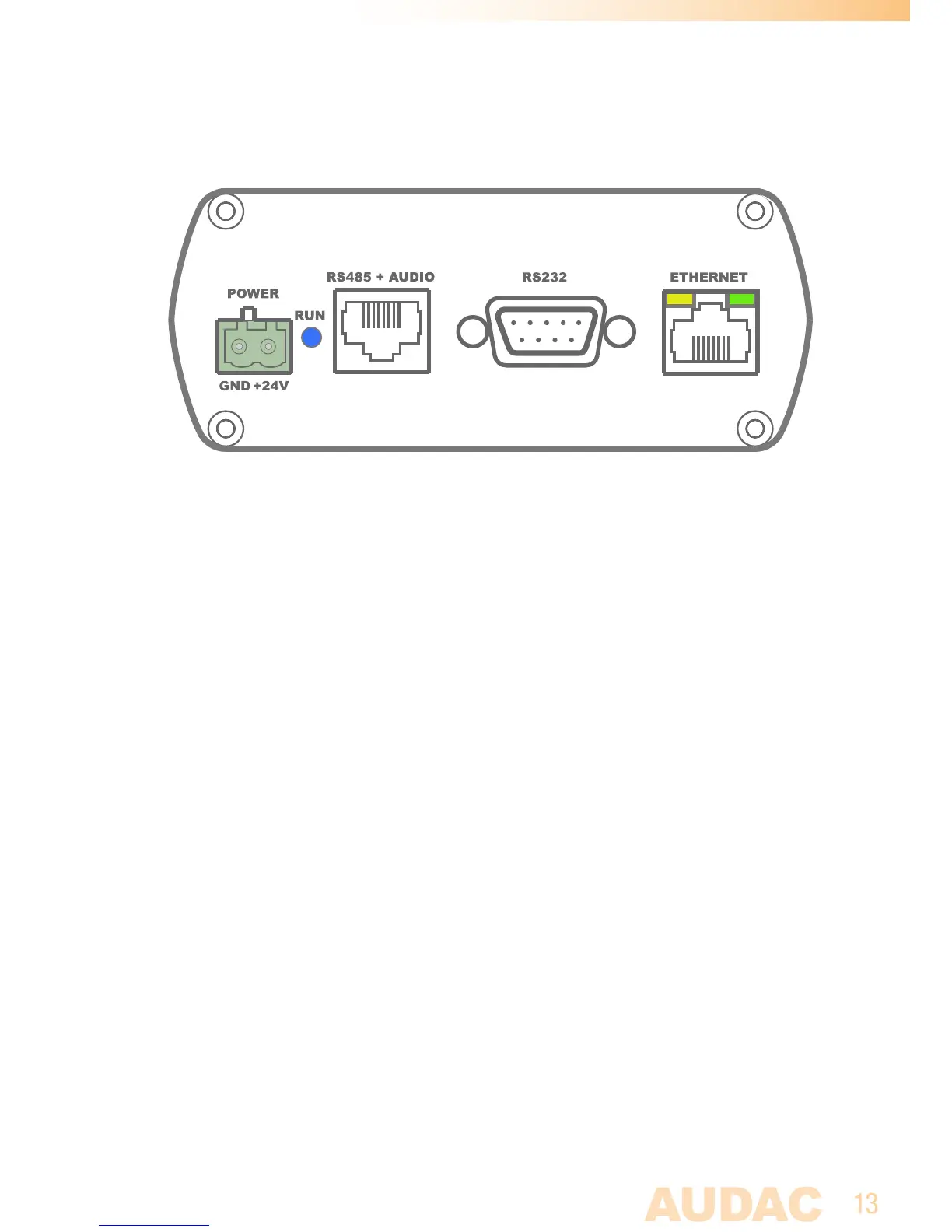
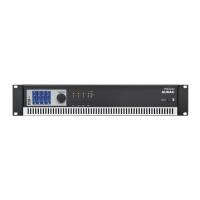
Rear panel
AMP523 and RM523 have the same rear panel
AllthecontrolandconfigurationportsarelocatedontherearpaneloftheAMP523and
RM523,togetherwiththe24Voltspowerconnection.
1)24Voltspowerconnector:
Theincluded24voltspowersupply(PSD241)shouldbeconnectedtothisconnector.
Payattentiontothepolaritywhenconnectingthepowersupply.
2)RunLED:
ThisLEDshowstheoperationmodeofthedevice.Whenthedeviceisrunningin
normalmode,thisLEDwillblinkataconstantfrequency.
3)RS485+AudioRJ45connector:
AnadditionalWallPanelController(MWX43/45)andWallLineorWallMicrophone
input(WMIandWLIunits)canbeconnectedtothisinput.Thisway,thevolumeand
thesignalroutingcanbeadjustedbymeansofawallpanelandadditionallocalLine
andMicrophoneinputscanbeconnected.
4)RS232controlport:
Withthisconnector,theAMP523/RM523canbeconnectedtoexternalcontrol
hardwareusingRS232.ThismakesitpossibletocontroltheAMP523/RM523by
meansofanhomeautomationsystem.
5)Ethernetconnection:
TheAMP523/RM523canbeconnectedtoanEthernetnetworkwiththisRJ45
connector.ThismakesitpossibletocontroltheAMP523functionsoverethernet,by
simplyusinganydevicewithawebbrowsersuchascomputer,smartphone,...



 To Next Page