WMI/MIC Level
Thelevelofthepriorityinputcanbesetbymeansofthisdropdownlist.Thecorrect
leveldependsoftheusedmicrophone,andshouldbesetcorrectlysothemicrophone
signalisnotoverdriven.
Back
Clickthe“Back”buttontoreturnbacktothesettingsscreen.
Configuration >> Password Settings
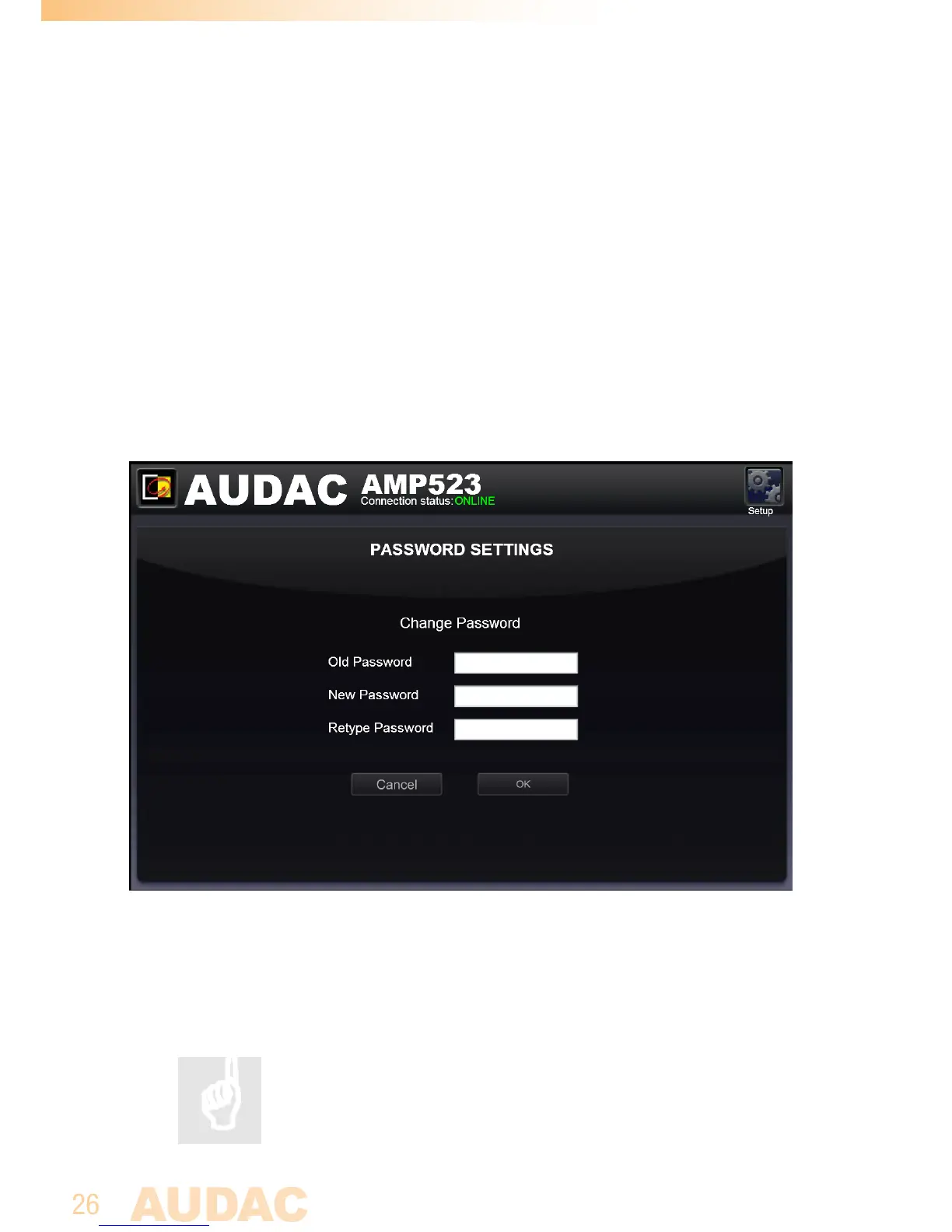
InthiswindowthepasswordfortheAMP523canbechanged.
Password settings screen for AMP523/RM523
Tochangethepassword,entertheoldpasswordintheprovidedfieldandenterthe
newpasswordtwiceintheprovidedfields.Afterthisisallcompleted,pushthe“OK
button.Iftheoldpasswordiscorrect,andthenewpasswordfilledinbothfields
match,theoldpasswordwillbechangedintothenewpassword.
Thefactorydefaultpasswordis“AMP523”.



 To Next Page