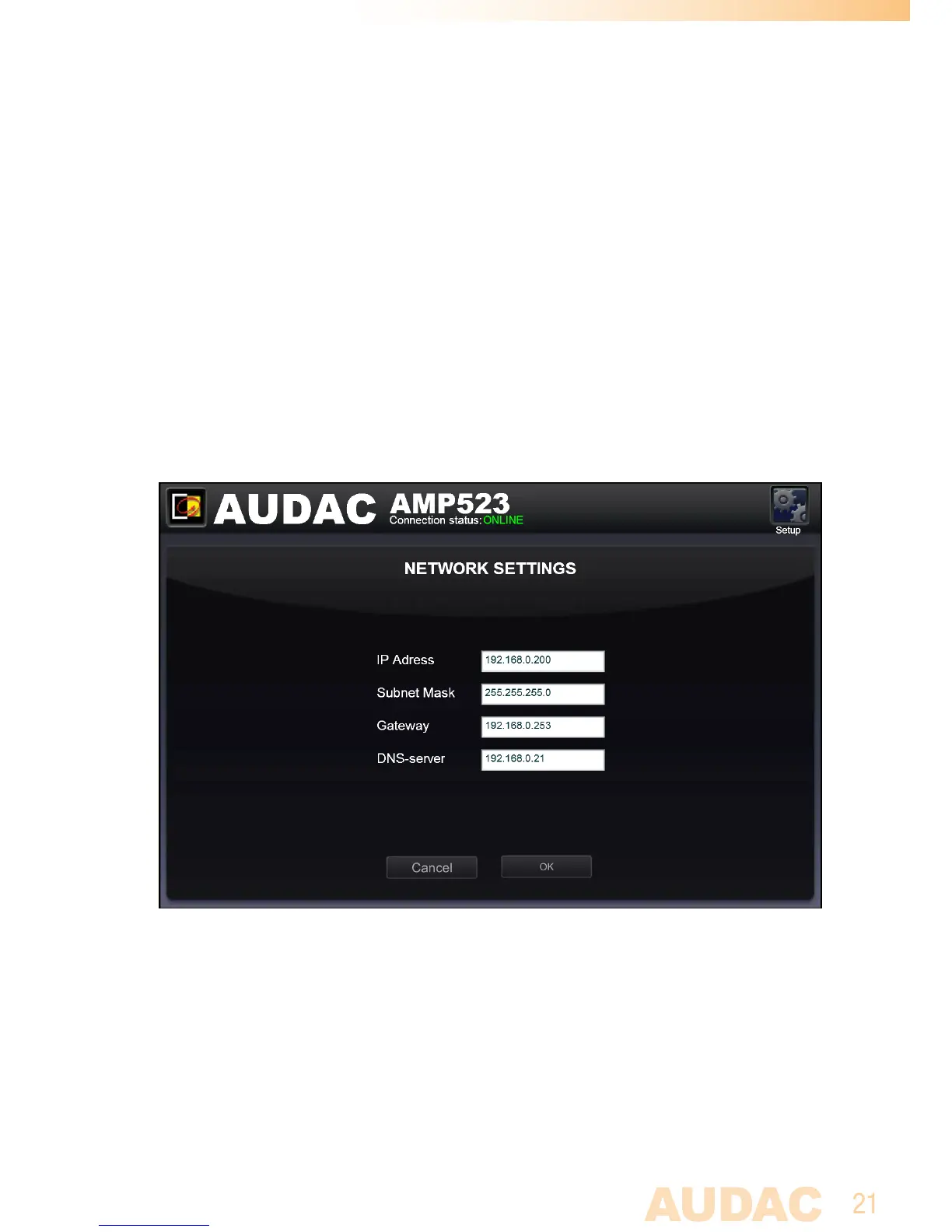
Configuration >> Network Settings
Inthiswindow,thenetworksettingsoftheAMP523/RM523canbeadjusted.The
IPaddressisdefaultsetto192.168.0.193andthesubnetmaskisdefaultsetto
255.255.255.0.
Thesettingscanbechangedbyadjustingtheparametersintheshownfields.
Toconfirmthesettings,presstheOKbutton.Thechangedsettingswilltakeeffect
immediately.
Formoreinformationaboutnetworkconnectionsandsettings,seeIPbasicsin
Chapter6.
Network settings screen for AMP523/RM523



 To Next Page