Input selection
Thewallpanelcanbeusedtochangewhichinputisroutedtotheoutput.Thedefault
isallchannelsareselected.Nowifyouonlyusechannels1to3andtheWLI-WMI/
MICchannelthenyoucanselecttheoffoptioninthe“inputselection”dropdownlist
ofchannel4.Thiswilldisablechannel4fromtheroutinglistofthewallpanelsoyou
can’troutetheunusedinputtotheoutput.
Back
Clickthe“Back”buttontoreturnbacktothesettingsscreen.
Configuration >> Input Settings
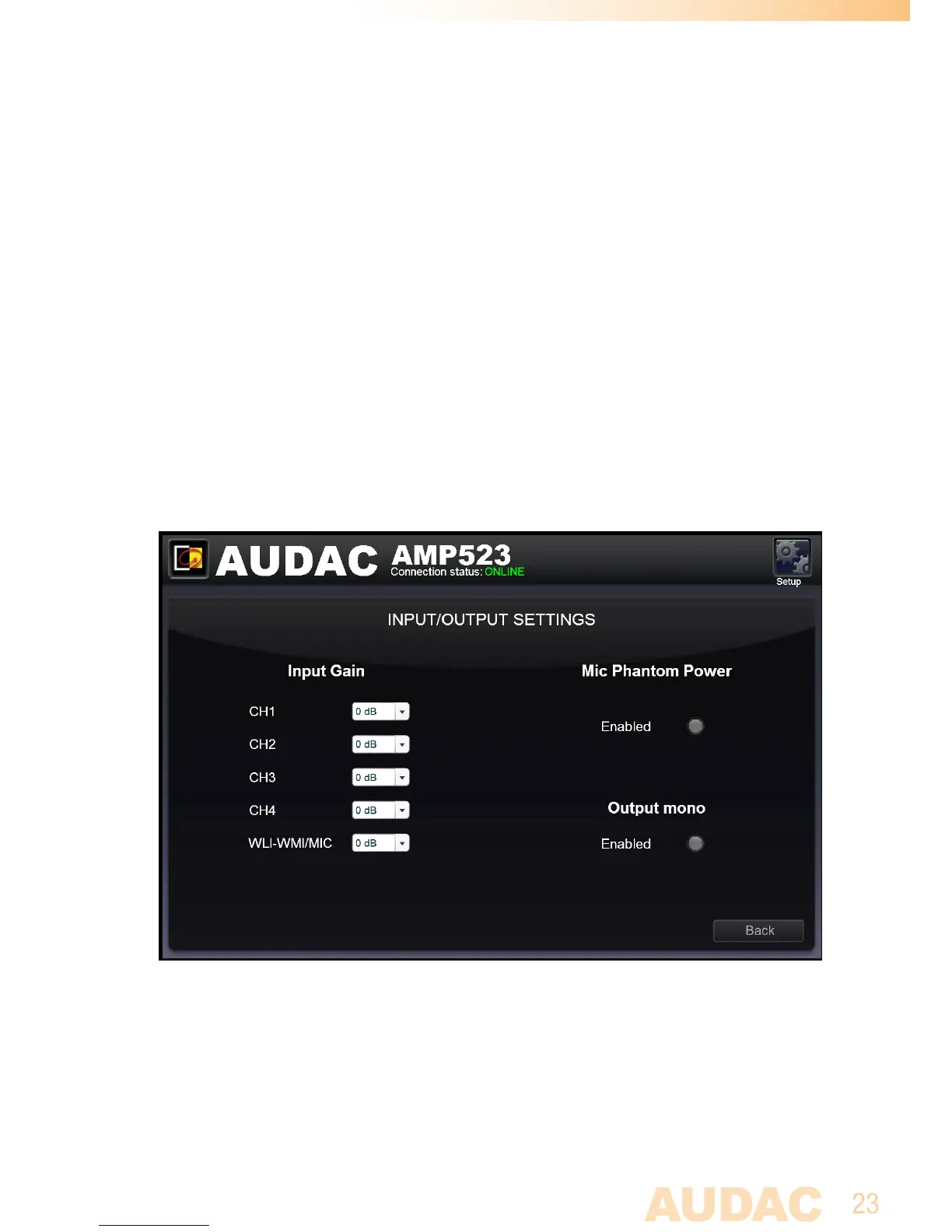
Inthiswindow,inputsettingssuchasinputgainadjustmentandphantompower
enablingcanbemade.
Input/Output for AMP523/RM523



 To Next Page