2 6
Dr ive r in f orm ation sy st e m
Each display type in the Start menu contains a
submenu with additional options .
Set Clock
c;:,page27
Computer
c;:,page2 7
Acoust ic park assist*
¢page 81
Speed alarm (speed warning)
c;:,page32
Language (6 languages)
c:;>page27
Units (distance, fuel consump-
tion, temperature)
c;:,page27
Tire pressure monitoring
c;:, page 216
Lap timer *
c;:,page 30
Lighting*
c;:,page45
Wiper (service position)
c;:,page53
Window
<=?page 44
Doors (unlocking and locking
mode, for example Auto-lock)
c;:,page 37, c:;>page 37
Check Service
c;:,page29
Chassis number•
c;:, page 240
Engine oil temperature*
co page 2 7, c:;> page 29
Registered keys
c;:,page35
Menu off All of the messages shown in ve-
hides without menu display ap-
pear on the display screen.
Navigating the menu
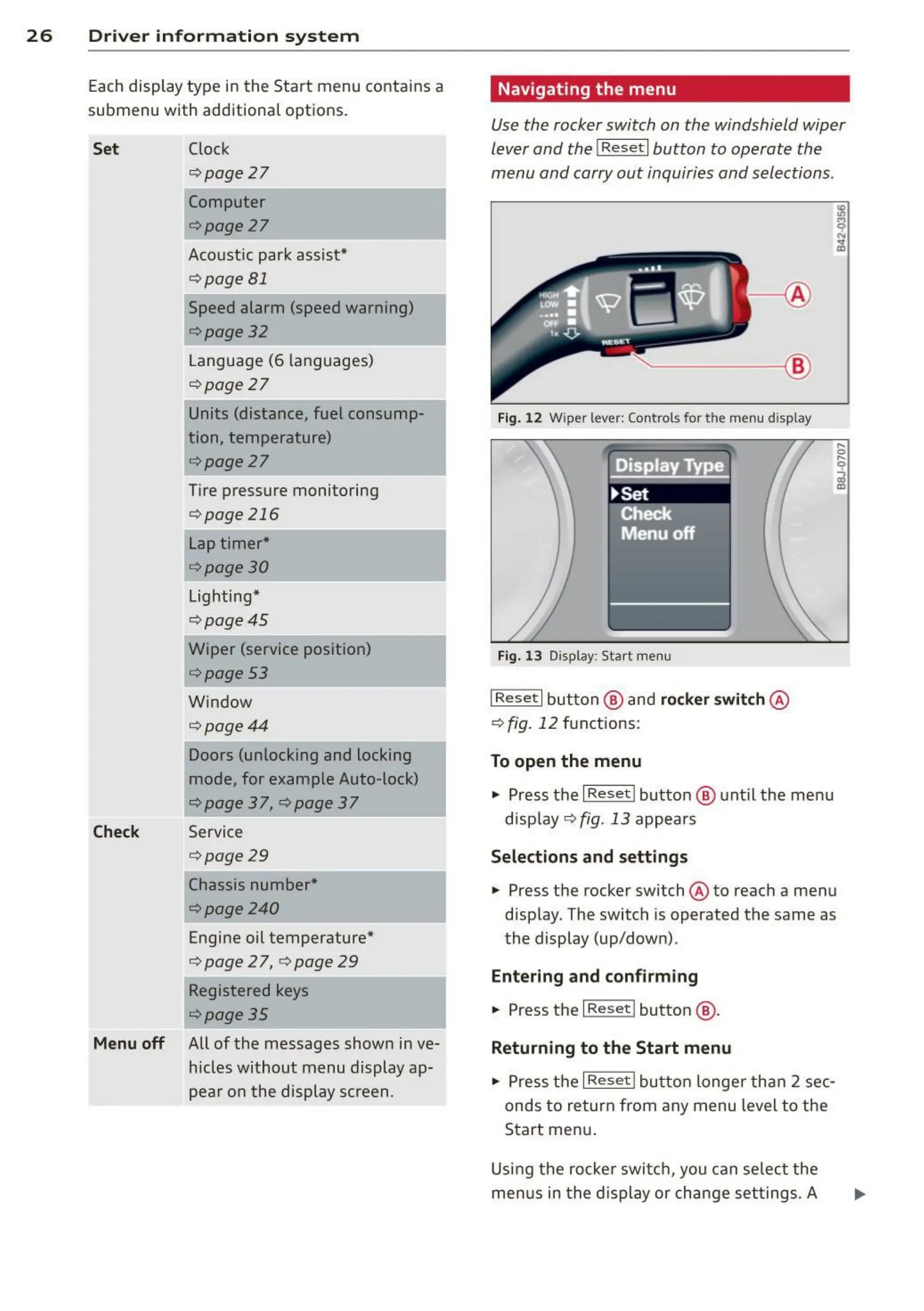
Use the rocker switch on the windshield wiper
lever and the
I Reset I button to operate the
menu and carry out inquiries and selections .
~-- @
Fig. 12 Wipe r lever: Controls for th e menu display
Fig. 13 Display: Star t me nu
I Rese t I button @ and rocker switch @
c:;> fig. 12 functions :
To open the menu
.,. Press the I Reset ! button @ unt il the menu
display
<=:>fig. 13 appea rs
Select ions and settings
.,. Press t he rocker switch @ to reach a menu
disp lay. The switch is operated the same as
the display (up/down) .
Ent ering and confirm ing
.,. Press the I Res et ! button @ .
Returning to the Start menu
.,. Press t he I Reset ! button longer tha n 2 sec-
onds to return from any menu level to the
Start menu .
Using the rocker swit ch, you can select the
menus in the display or change settings. A



 To Next Page