10
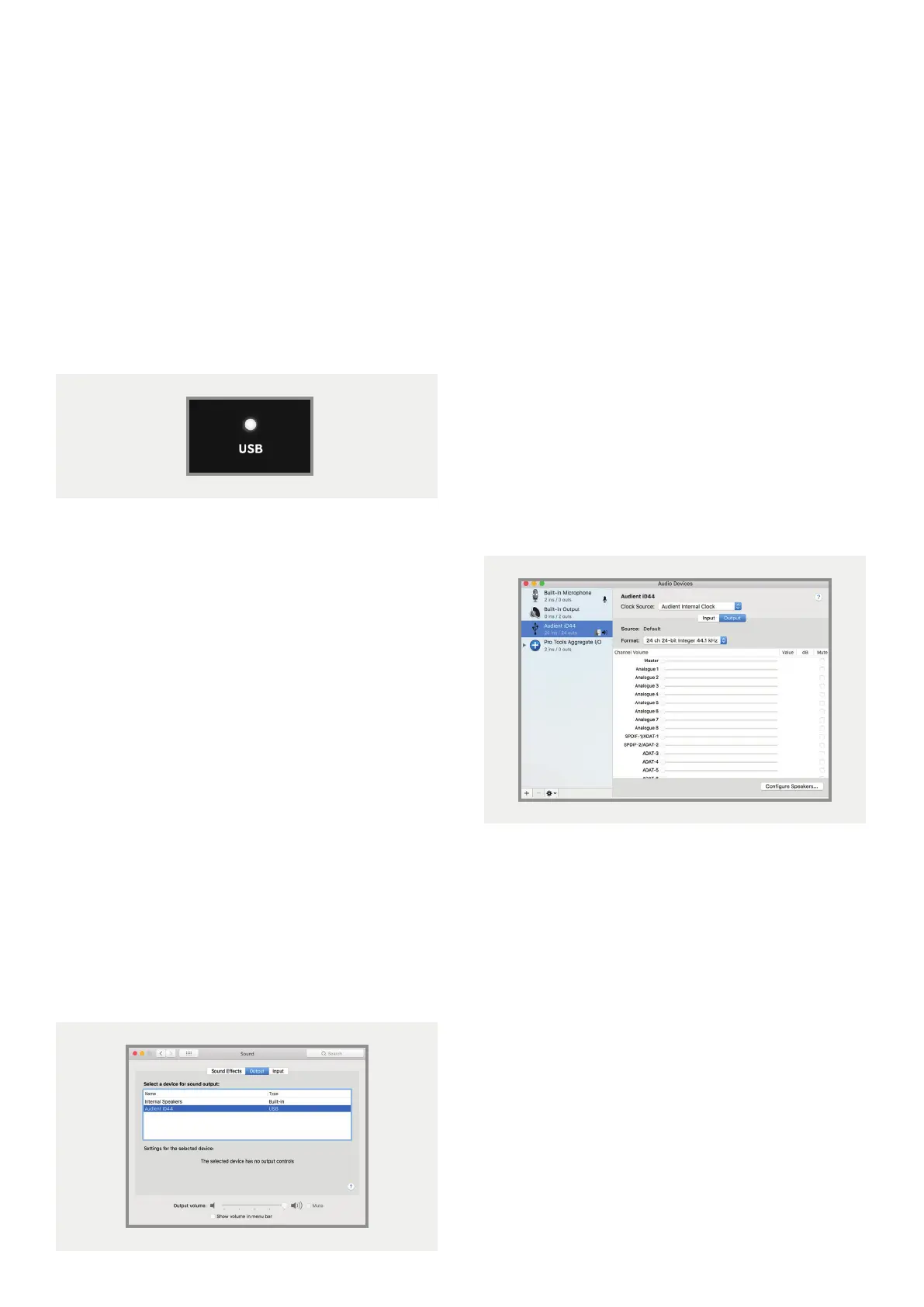
3. Status LED
Once connected to your computer and
powered on, the green status LED on iD44 will
illuminate.
If at any time the status LED turns o during
normal operation please check all connections
and if further problems develop please
contact Audient support.
4. Double Checking Connectivity
To ensure iD44 has been detected by your
computer and correct clocking sources are
set-up, navigate to:
Macintosh HD > Applications >
System Preferences
Check that iD44 is set as your audio device.
It’s recommended to disable system sounds.
It’s also worth checking Audio MIDI Setup
(found in
Mac HD > Applications > Utilities).
Window > Show Audio Window
Here you should see iD44 report with 20
inputs and 24 outputs. The clock source is
configured in the iD app. See page 23 for
more details.
Mac Installation



 To Next Page