Windows System Requirements:
Windows 8 or later (32 or 64 bit)
Intel Core 2 @1.6Ghz, or AMD equivalent 1GB
RAM Minimum
1. Download the iD44 Software
Head to our website for the latest version of
our iD Windows Installer:
audient.com/products/iD44
2. Connect iD44
Using the USB cable provided, connect
iD44 to your computer’s USB port and connect
the iD44’s power supply.
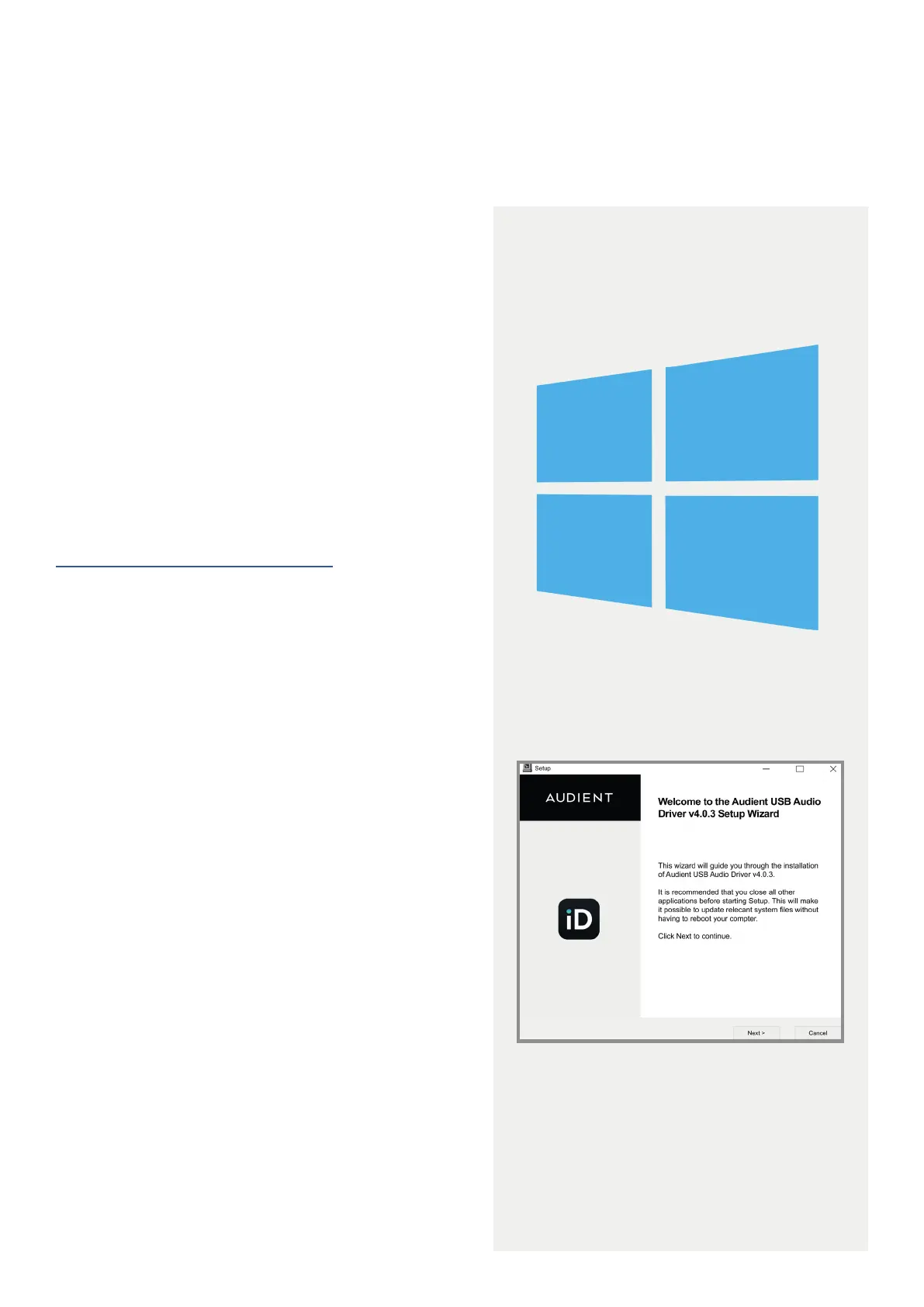
3. Run iD Mixer Setup
Double click on the installer to run the iD mixer
setup and follow the on-screen instructions.
4. Reboot PC
Reboot your PC to make sure that all the
drivers have been applied.
Windows Installation
12



 To Next Page