I/O Setup
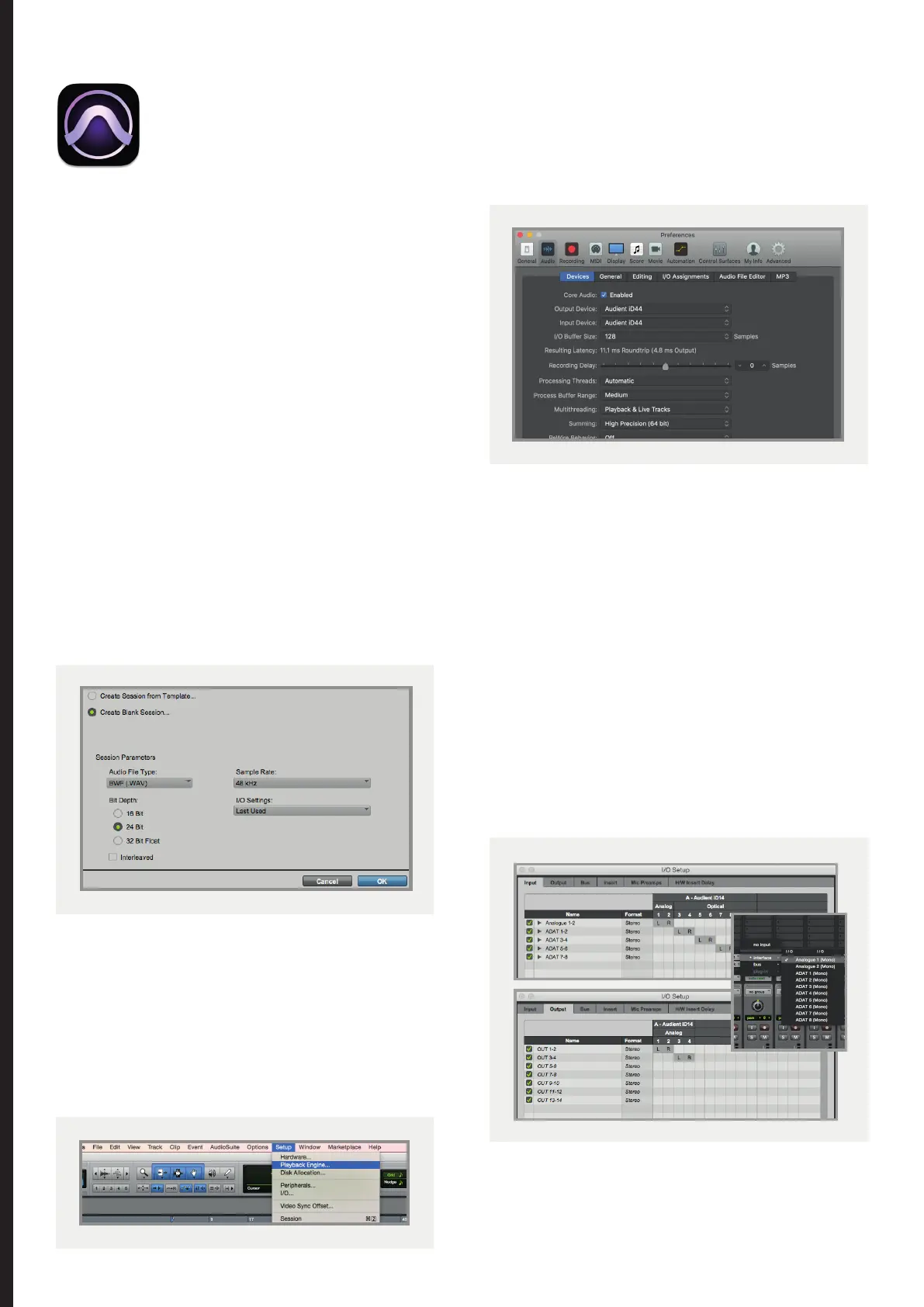
Go to Setup > I/O... to label your inputs and
outputs and ensure that iD44 is correctly
reporting 20-inputs and 24-outputs to and
from Pro Tools. Note that analogue outputs
1-8 are the DAW playback channels in the iD
mixer and can either be routed through the iD
mixer or hard-wired directly from Pro Tools to
the physical outputs.
For more Pro Tools information consult your
Avid user manuals & documentation.
Operation with Pro Tools
Once iD44 has been successfully installed
following the steps detailed in this manual,
launch Pro Tools and ensure that a new
session is created at the desired sample rate
(if clocking internally) or at the rate of the
clock source (if clocking externally).
If using Windows, make sure that you have
set the correct latency and buer size settings
in the iD app before opening a project.
Changing these settings will result in ProTools
needing to restart.
Playback Engine
Go to Setup > Playback Engine... and ensure
that iD44 is set as the active playback
device.
Pro Tools Setup
47



 To Next Page