iD App & Firmware Update
14
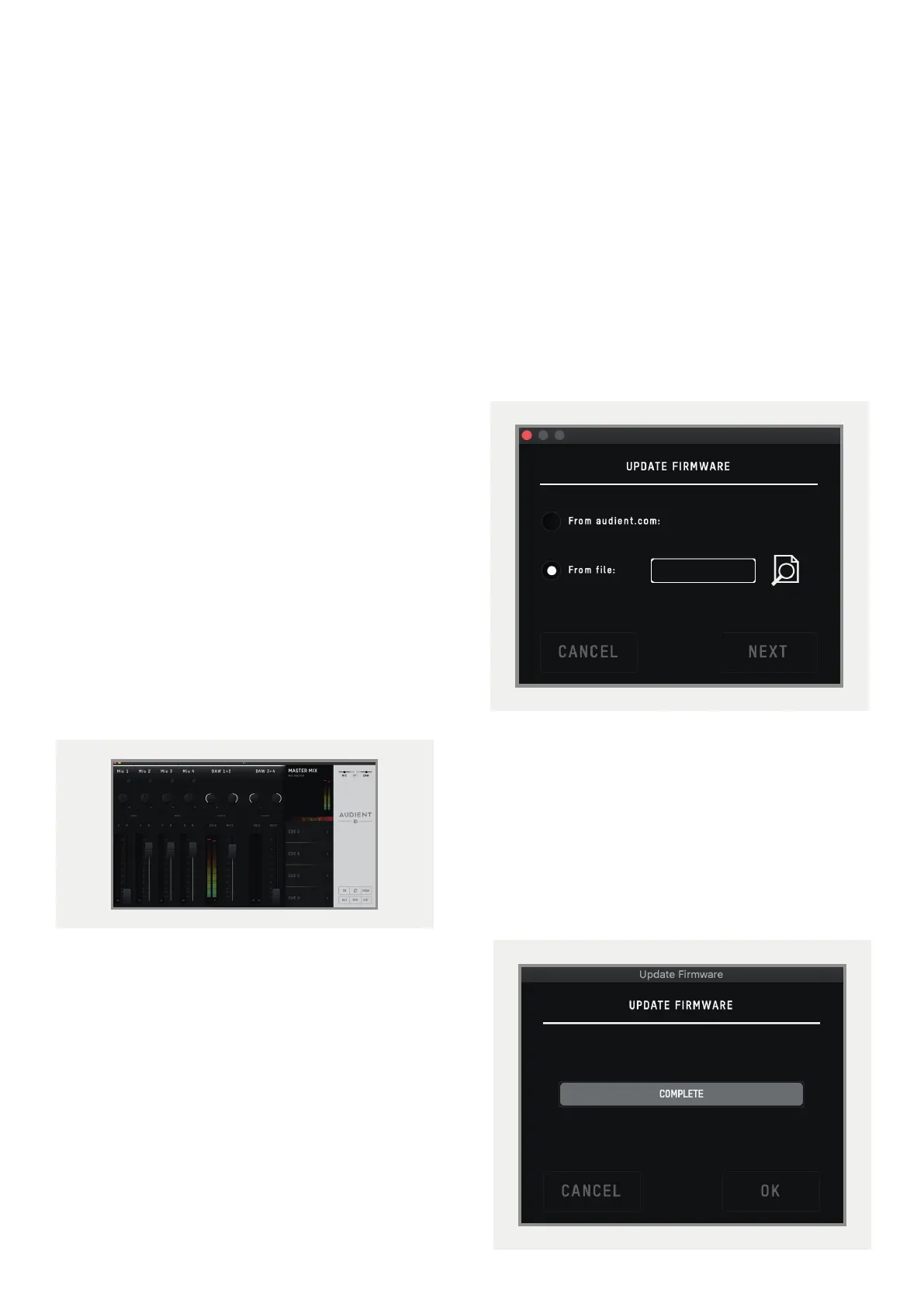
Launch the iD Mixer Application
Launch the iD mixer application
by finding it in the following folder:
Mac OS
Macintosh HD > Applications > iD
Windows
Start > All Programs > Audient > iD
For more information on the mixer
application feature set, please refer to
the Software Features section of this manual.
On Windows, the app will launch when the
device is connected.
Check for Firmware Updates
If your computer is connected to the internet,
the iD app will check for firmware updates
whenever a unit is connected. If there is a
firmware update available then the iD app
will notify you.
Once the firmware update is complete, you
can continue using iD44 as normal.
Firmware Update
When there is a firmware update, you can
select ‘From audient.com’ to download the
latest version automatically (or select ‘From
file’ to install a local firmware file).
The latest version number will be retrieved
from our servers and will be displayed. Press
next to continue with the firmware update.
Press ‘update’ to install it. Once complete
reboot iD44 using the power switch to apply
it manually.



 To Next Page