41
Standalone Operation
If you would like to use iD44 without a
host computer, iD44 can be configured to
operate in standalone mode. This is great for
setting up complex tracking setups in remote
locations.
To setup Standalone mode, first setup the iD
mixer in the way that you wish to be saved
onto your iD44. This includes your digital
I/O settings, output routings and talkback
settings in the System panel.
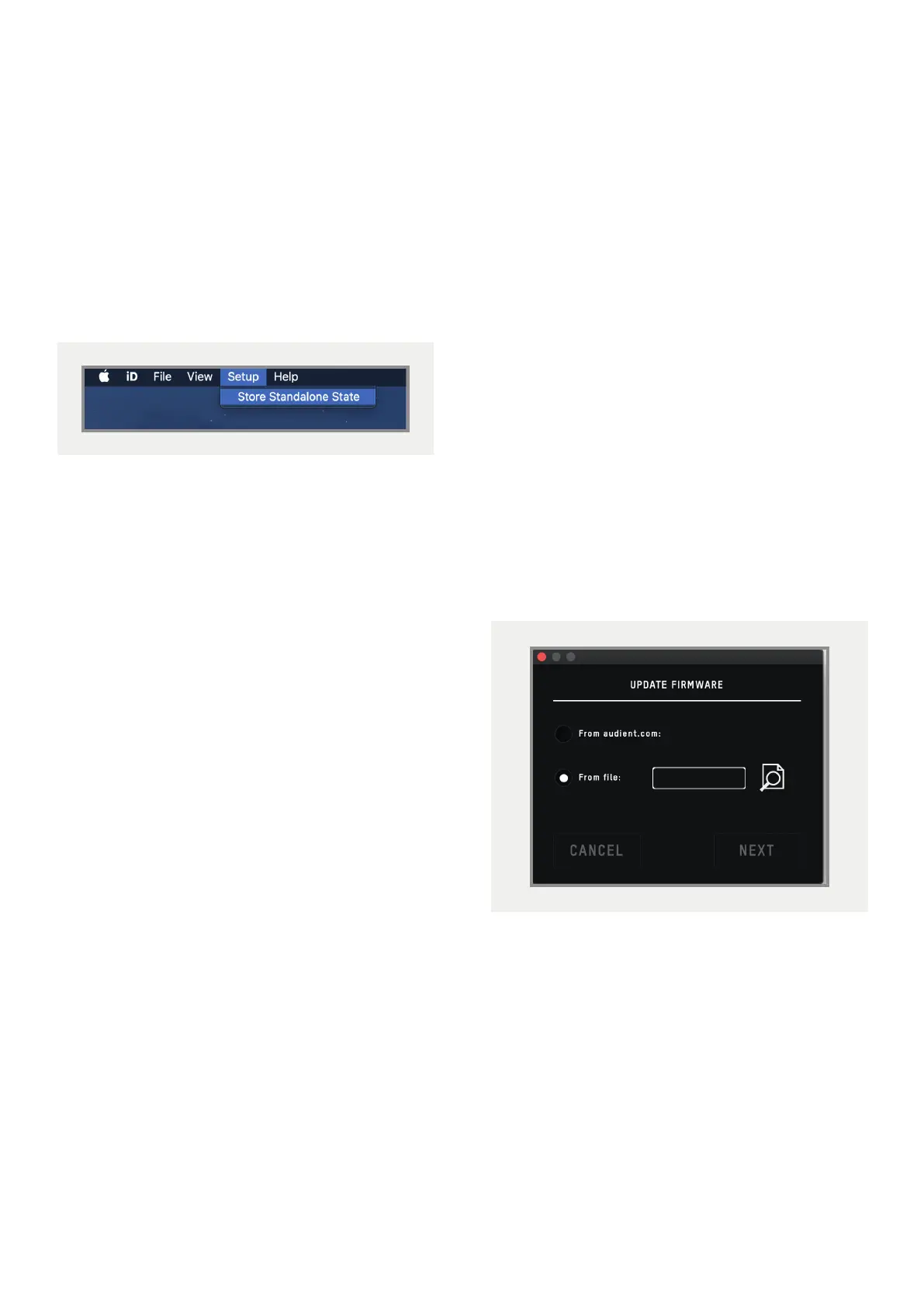
Now navigate to the Setup menu and select
Store Standalone State. The iD Software
Mixers current configuration will then be
saved onto the iD44 itself, ready to be recalled
when the iD44 is next powered on.
Firmware Update
Occasionally, Audient will release a firmware
update for the iD44 in order to, improve
compatibility, add new features and address
bugs. Therefore you may wish to check
occasionally for any updates.
This can be accessed by navigating to either
the Menu bar on Mac, or the system tray on
Windows and selecting Check for Updates.
The iD Software Mixer application will then
check with audient.com for any available
updates. If there are, you will prompted to
install them onto the iD44.
If you then click next, you’ll be requested to
stop any playback through the iD44. Click
Update and the update will begin. The iD44
may turn o a number of times. Therefore,
we recommend powering o any monitors.



 To Next Page