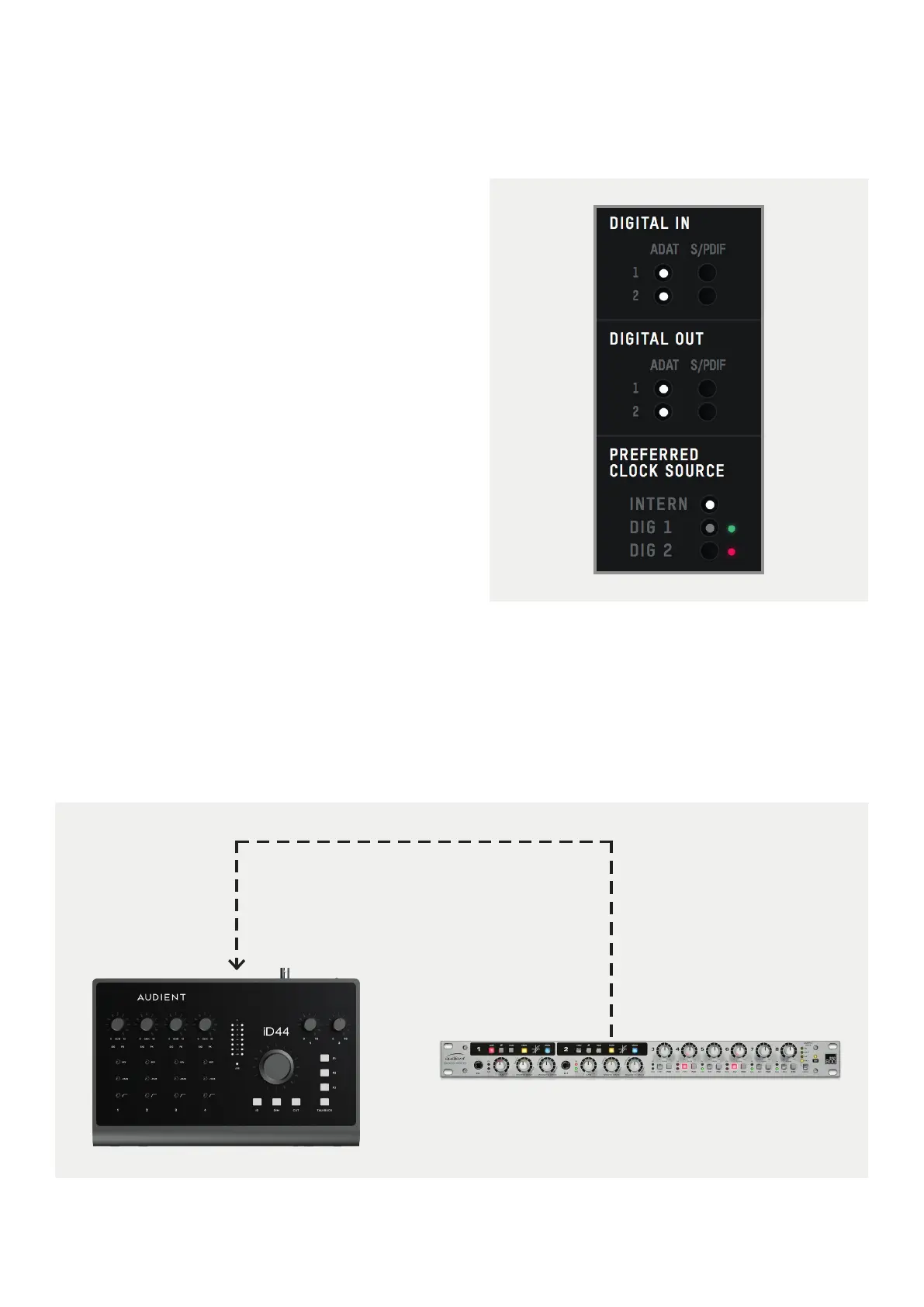
iD44 clocked via the Optical Port
23
iD44 as the Slave
The iD44 can also act as the slave to an
external master clock via it’s optical inputs.
The BNC connector is an output only.
In this case, you would simply connect the
optical output of a device to the iD44’s optical
input. Then, in the iD Software Mixer, select
the optical input you wish to be used as the
clock source. You would also need to set the
inputs to either ADAT or S/PDIF depending
on the specification of the external device.
Finally, ensure your sample rates match.



 To Next Page