26
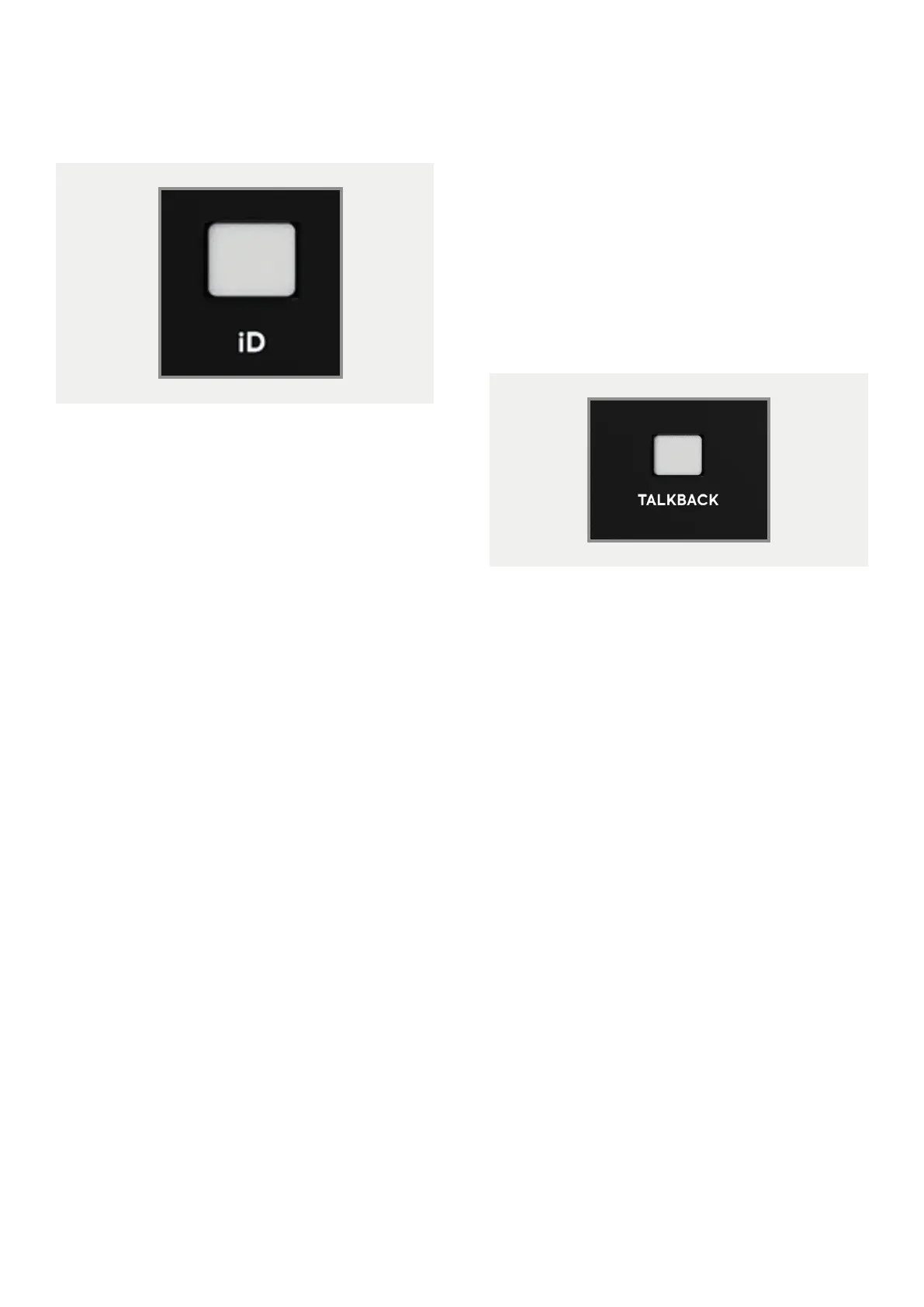
iD Button
The iD button switches iD44 into
ScrollControl mode, allowing the
encoder to be used as a scrollwheel for
the computer. This gives you the ability to
control plugin parameters and anything else
that is scrollable. This works well for adding
automation or setting parameters in a
hands-on way.
To use
ScrollControl, hover your mouse
over whatever you want to control and rotate
the encoder.
ScrollControl
may act slightly dierent
on dierent plugins or DAWs depending on
how they have been programmed to work
with scrolling. If you find it is too sensitive or
not sensitive enough, you can try adjust your
computer scrolling speed.
Talkback
The iD44 can take a talkback signal from a
variety of places. You can assign one of the 4
analogue or 16 digital inputs as your talkback
channel. When tallback is activated, signal
from that channel is sent through one of the
Cue mixes to the artist(s).
You can also source the talkback audio from
another audio device connected to your
computer such as the built-in microphone.
This allows you to free up an input channel on
your iD44 that would otherwise be taken up,
great for big sessions.
Details on how to set this up can be found in
the ‘Software’ section of this manual.
Hardware Features



 To Next Page