51
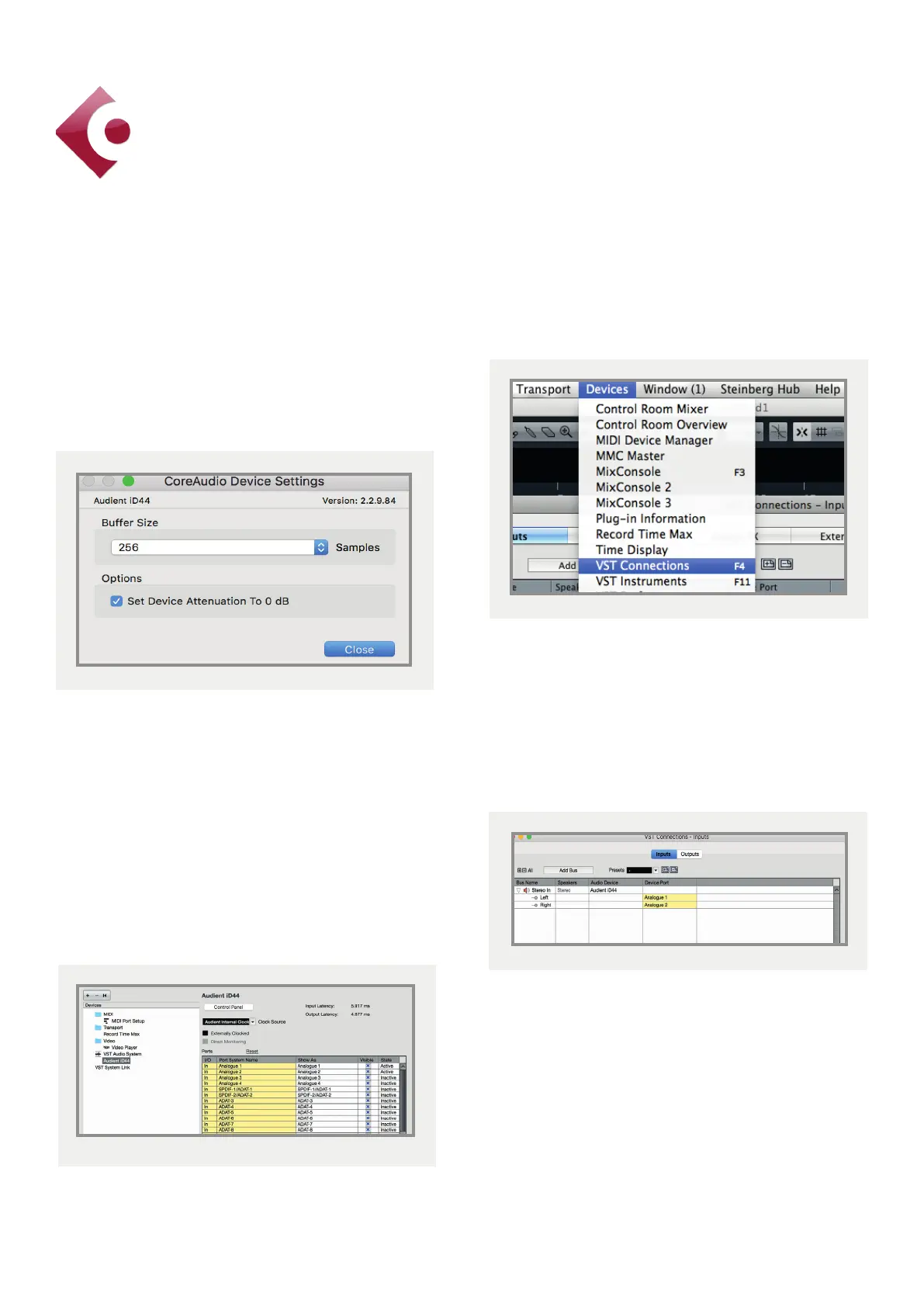
Close the VST device setup panel and
navigate to the VST connections panel:
Devices > VST Connections (F4)
Here you can ensure that all buses have been
created in Cubase / Nuendo and therefore
all ports are addressable in your session. Add
new buses and assign them to the necessary
i/o if required.
Bus types can be set (mono / stereo) and
the VST control room section can also be
used. For more information regarding set-up
please consult your Steinberg user manuals
and documentation.
Operation with Cubase / Nuendo
Buer sizes can be set in the control panel
within the VST devices display. It is ideal to
keep them quite high to reduce CPU loading
if you use the iD mixer as the input monitoring
device while recording.
I/O ports can be renamed in the device
panel such that they better represent what
you connect to them (for example Main
Monitors, Headphones). This is useful as any
names chosen here will be those displayed
when assigning i/o on track input/output
channel routing.
Cubase/Nuendo Setup



 To Next Page