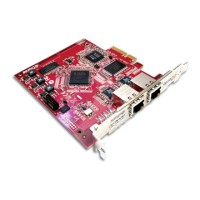
Dante PCIe-R Card
CONFIDENTIAL. Copyright © 2014 Audinate Pty Ltd. All Rights Reserved.
-17-
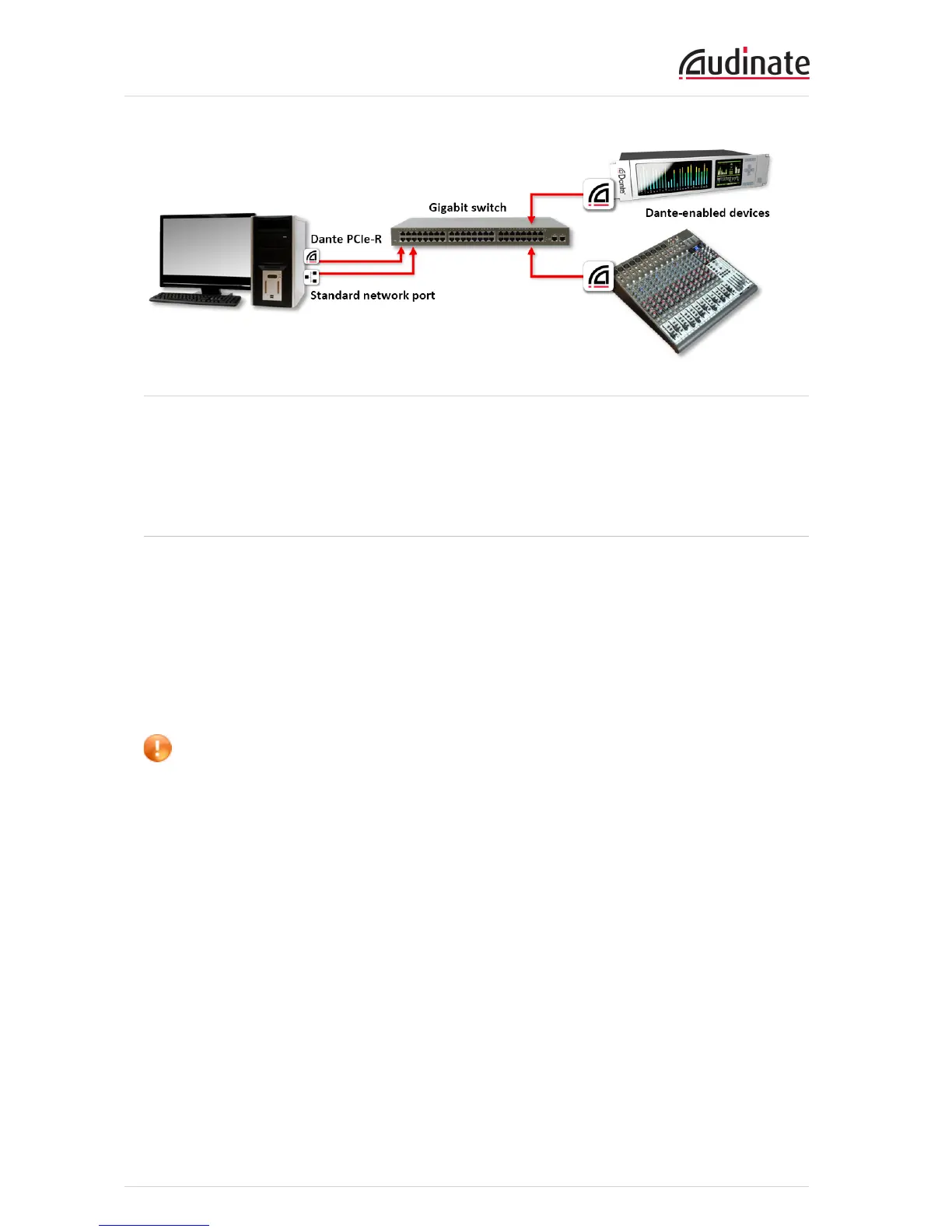
Figure 1 - Basic non-redundant network configuration
You may need to reboot the computers if they have active previous IP network configurations. All devices
will automatically be assigned IP network configurations.
Network Configuration: Redundant
To set up and use Dante Redundancy, connect your redundant Dante-enabled audio equipment using
duplicate Gigabit switches and Ethernet cables as shown below.
Connect the following to the primary network only:
n Any computers running Dante Virtual Soundcard
n Any non-redundant Dante-enabled equipment
All Dante-enabled devices that support redundancy should be connected to both the primary and
secondary networks.
Important: The primary and secondary networks must NOT be interconnected at any point.


 To Next Page