15
T752
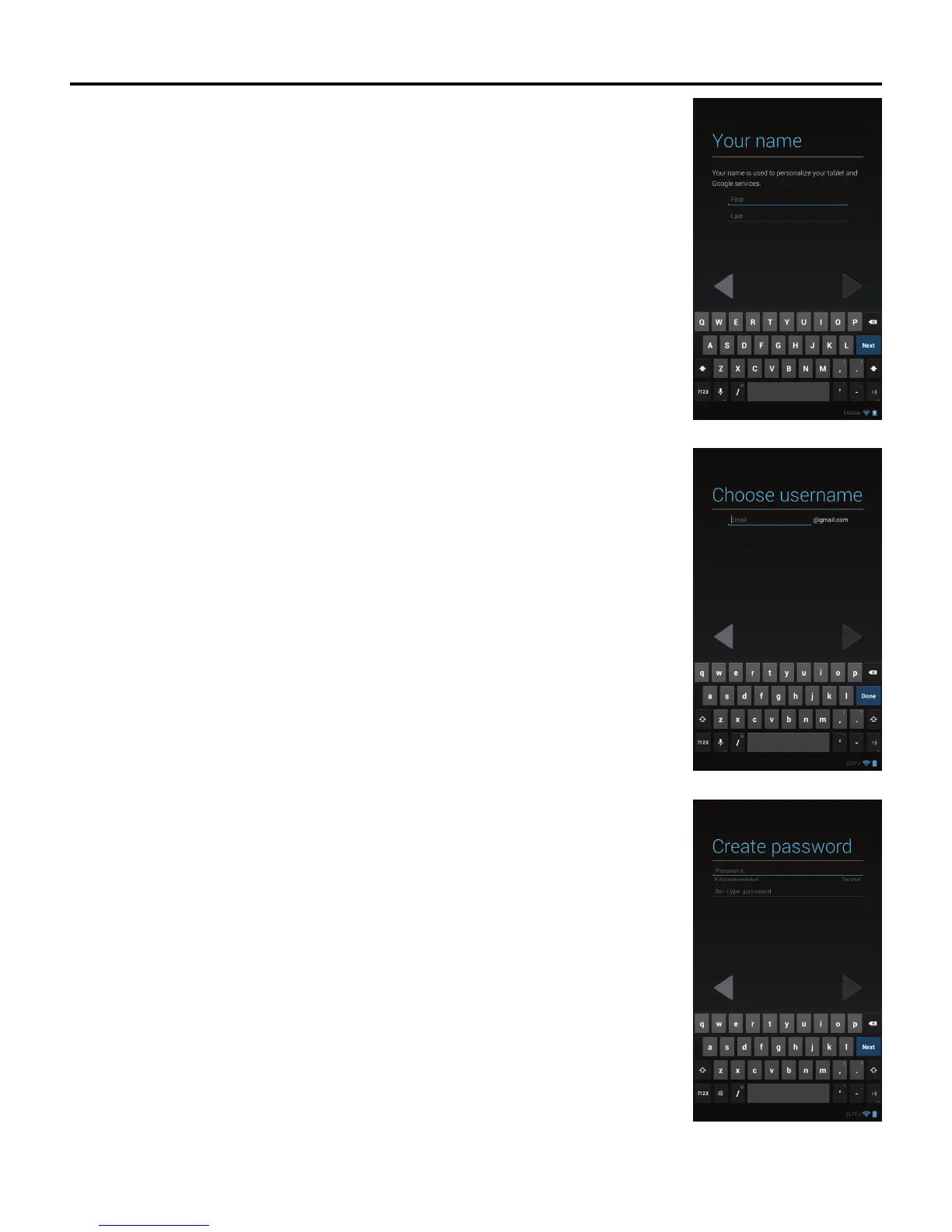
4. The Your name screen appears.
Enter your name using the on-screen keyboard. Tap the Donebuttonwhennished.
5. The Choose username screen appears.
Enter a username using the on-screen keyboard. Tap the Donebuttonwhennished.
6. The Create password screen appears.
Enterapasswordandre-typethepasswordtoconrm.TaptheDone button when
nished.
Note: When creating a Google™ account, write down the information and store it in a safe
place for future reference.



 To Next Page