16
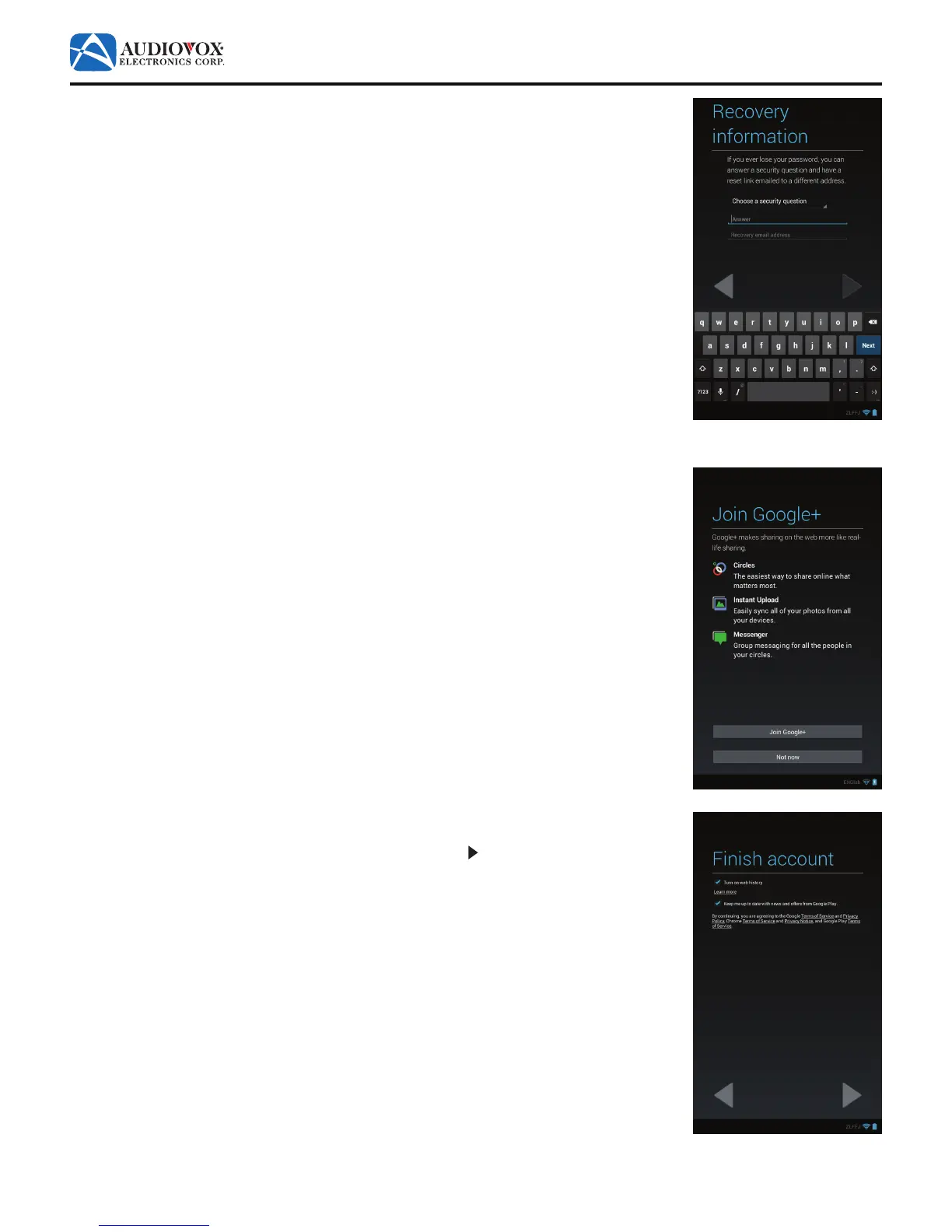
7. The Recovery information screen appears.
Choose a security question, then enter an answer and an e-mail address. Tap the Done
buttonwhennished.
8. The Join Google+ screen appears.
To set up a Google Plus™ account, tap the Join Google+ button. Follow the on-screen
prompts.
To proceed to the next screen in the initial setup, tap the Not now button.
9. The Finish account screen appears.
To proceed to the next screen in the initial setup, tap the button.



 To Next Page