1. Turn the bit Nove on.
2. Connect the USB cable on the bit Nove connector to a free USB port on the PC.
6.2 GUIDED PROCEDURE FOR DRIVER INSTALLATION
WARNING: when connecting a laptop via USB to the bit Nove while it is turned on, the laptop has to work with its
own battery and stay disconnected from the mains adapter (external power supply). Once the connection
between the laptop and bit Nove has been established, you can immediately connect the computer, if
necessary, to the mains adapter.
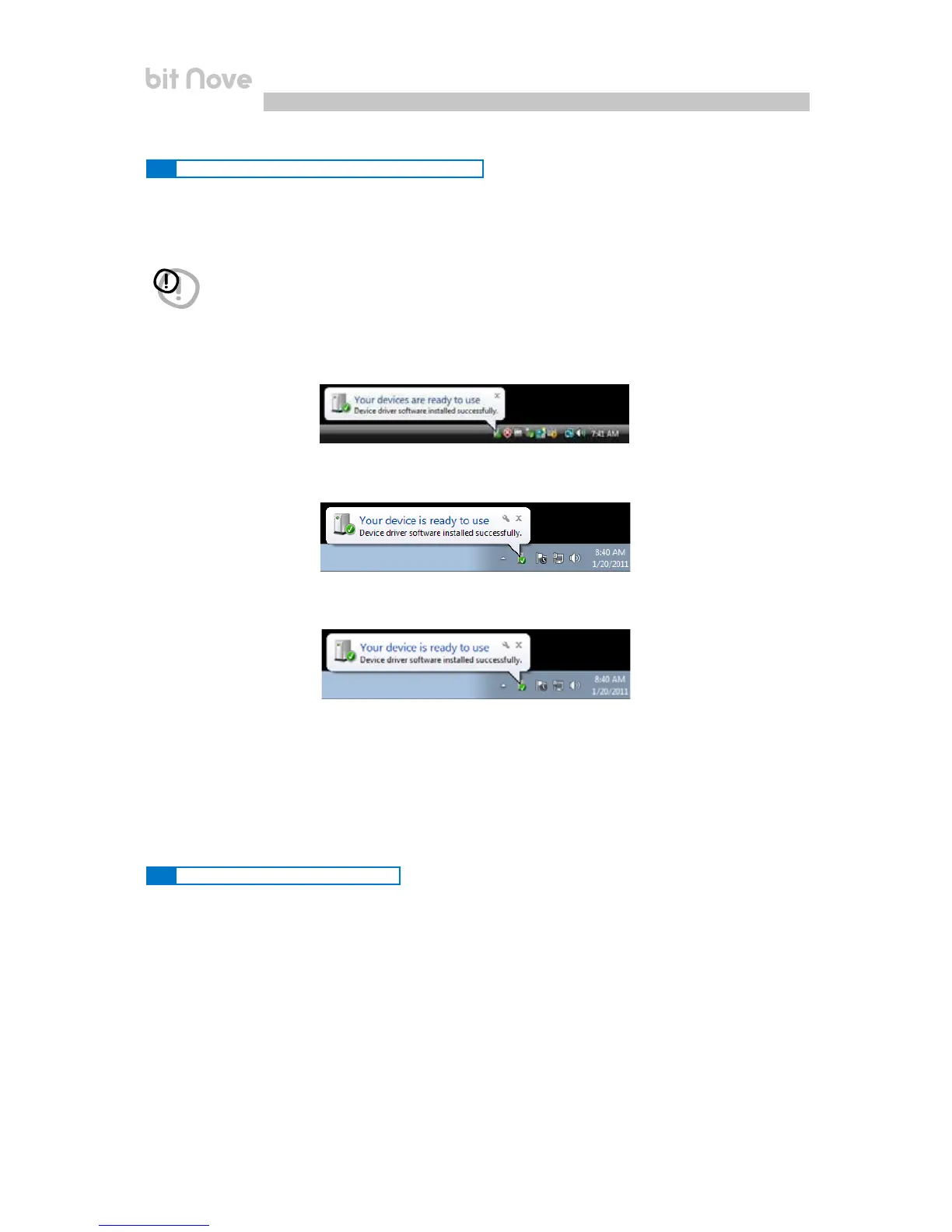
3. Windows Vista: the PC will recognize the bit Nove interface and installation will start automatically;
Windows 7: the PC will recognize the bit Nove interface and installation will start automatically;
Windows 8 / 10: the PC will recognize the bit Nove interface and installation will start automatically;
4. The peripheral device has been installed correctly and is ready for use.
*Remark: bit Nove uses the HID drivers already built into Windows. For this reason, they are not included on the
CD
and will always install automatically.
Procedure 1
To uninstall the bit Nove PC software you can use the link in the menu:
Start / All programs / bit Nove / uninstall
Procedure 2
To uninstall the bit Nove PC software, you can also use the standard procedure:
Start / Control Panel / Uninstall or change a program / bit Nove / remove.
6.3 UNINSTALLING bit Nove SOFTWARE
6


 To Next Page