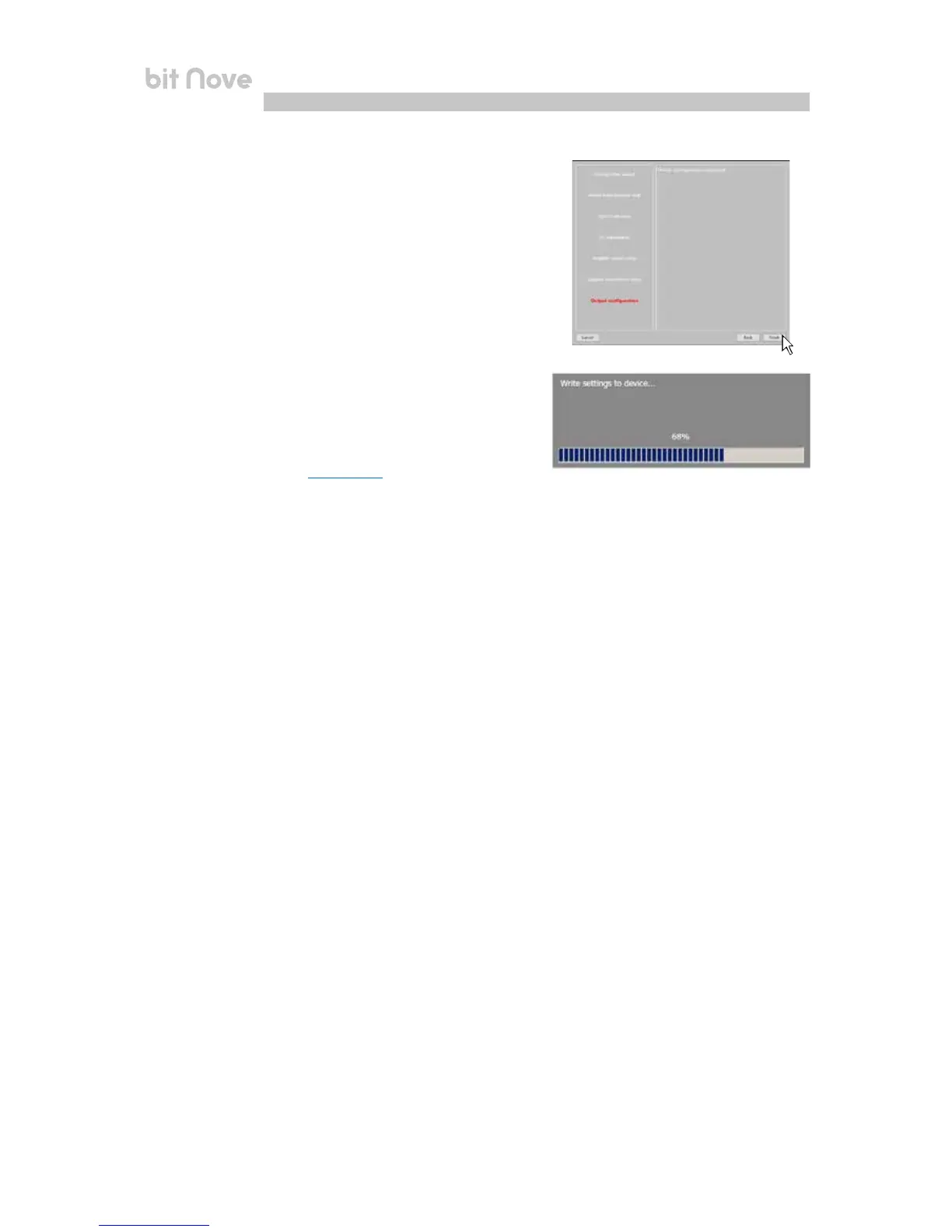
10. Finish
Stop playing the Test track and remove the
setup CD from the source player.
Press BACK to return to the previous step.
Press CANCEL to exit the procedure.
Press FINISH to end the configuration.
11. Software startup
The software transfers the settings selected during the guided
procedure to the central processor memory.
At the end of this operation, an update confirmation will appear.
Press OK.
The product will now have to be finalized to avoid losing the data
saved during calibration
(see sec. 7.3.5.2).using the function FINALIZE
the device.
7


 To Next Page