36
the corresponding FUNCTION button Select.
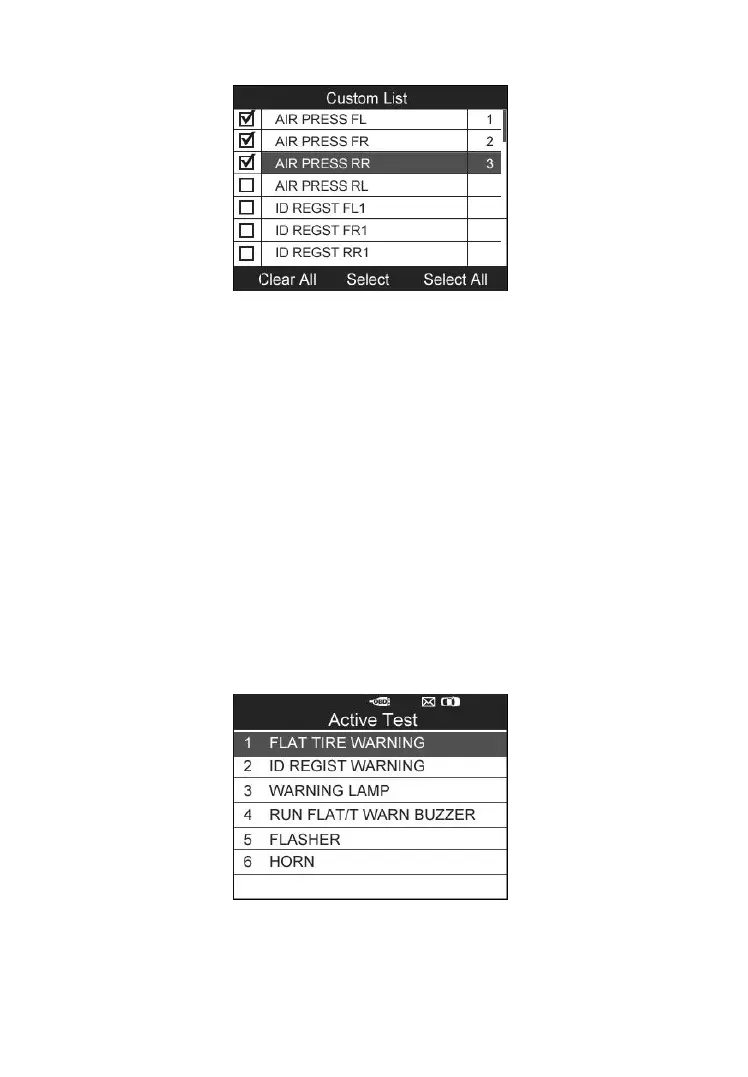
Figure 4-35
⚫ The Selected items are marked with ticks on the left.
⚫ The number on the right indicates sequence of the selected item.
⚫ Press the corresponding FUNCTION button Clear to unselect the
items, or press the corresponding FUNCTION button Select
All/Clear All to select or unselect all items (Figure 4-35).
3) Press the Y button to confirm your selection and retrieve the selected
live sensor data.
4) Press the N button to return to the previous menu.
Active Test
1) From the TPMS Diagnosis Menu, use the UP/DOWN scroll button to
select Active Test, and press the Y button (Figure 4-21).
2) The tool will display a list of available active tests for the vehicle
being tested.
Figure 4-36
Take Flat Tire Warning for example:



 To Next Page