55
One Wheel Mode
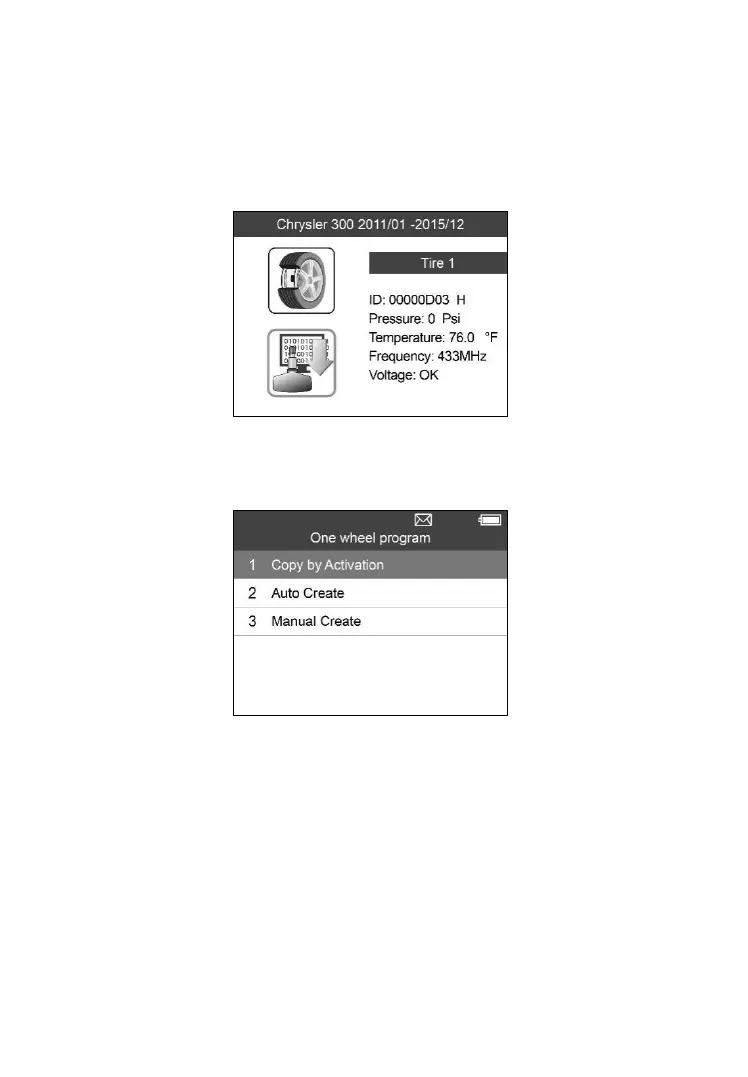
1) From the activation screen, press the TEST button to trigger the
original sensor. You can use the LEFT/RIGHT button to select the
specific tire to be triggered. When the information is retrieved, a series
of beep sound will be heard and the sensor information will display.
Figure 5-32
2) Select MX-Sensor icon and press the Y button, and then select Copy
by Activation in the next screen.
Figure 5-33
3) Select the IDs you want to program with.



 To Next Page